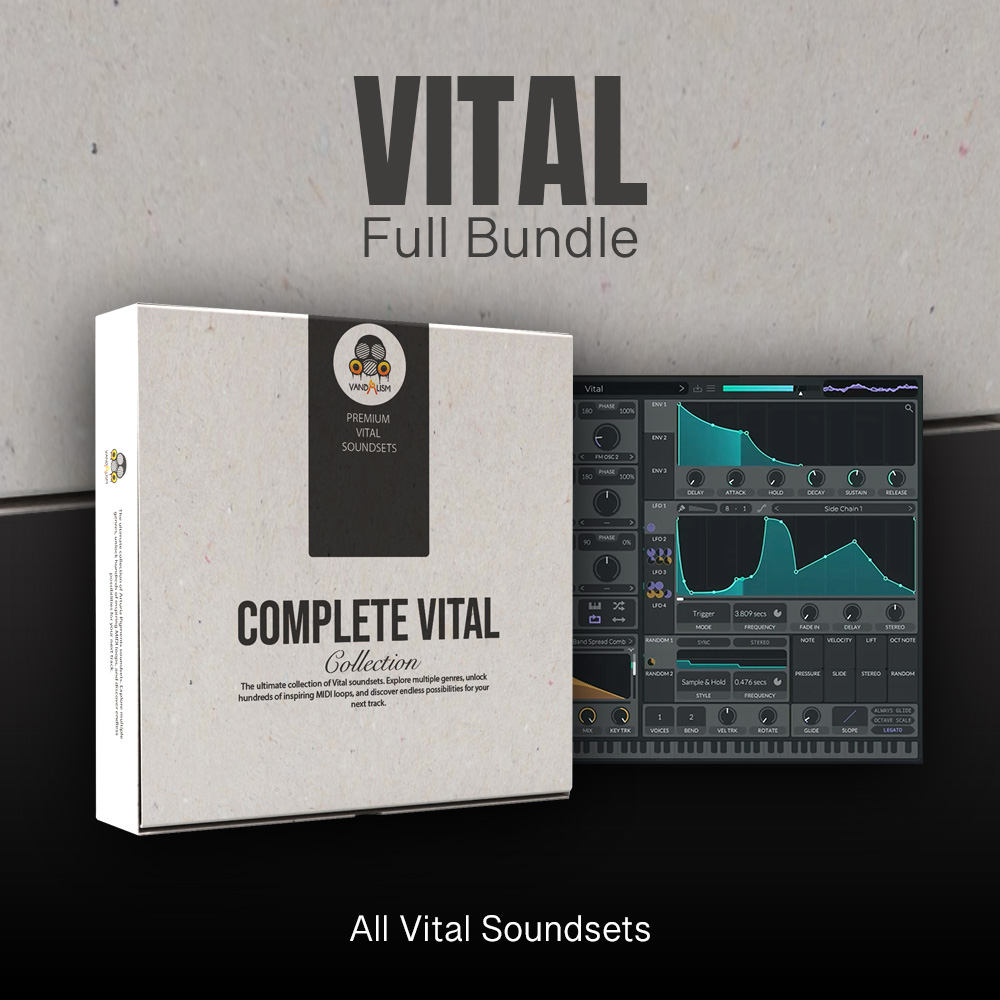
Vital Full Bundle
Discover the ultimate collection of premium Vital soundsets designed for modern music producers. Explore multiple genres, find instant inspiration with professionally crafted sounds, and unlock endless creative possibilities for your next production.
This complete bundle brings together the full collection of Vandalism Vital soundsets, featuring 19 premium sound libraries with 1190 high-quality presets for the Vital synthesizer. Each soundset is carefully designed to deliver powerful, production-ready sounds that fit seamlessly into today’s electronic music styles.
From deep basses and atmospheric pads to melodic sounds, cinematic textures, evolving plucks, and punchy & powerful leads, this complete Vital preset collection gives you everything you need to create professional tracks faster and take your productions to the next level.
Product details
• 1190 Vital Presets • 266 Bass Presets • 1 Drum Preset • 17 FX Presets • 108 Keys Presets • 662 Lead Presets • 57 Pad Presets • 26 Pluck Presets • 8 Sequence Presets • 10 Stab Presets • 27 Synth Presets • 3 Voice Presets • MIDI Loops from demos.
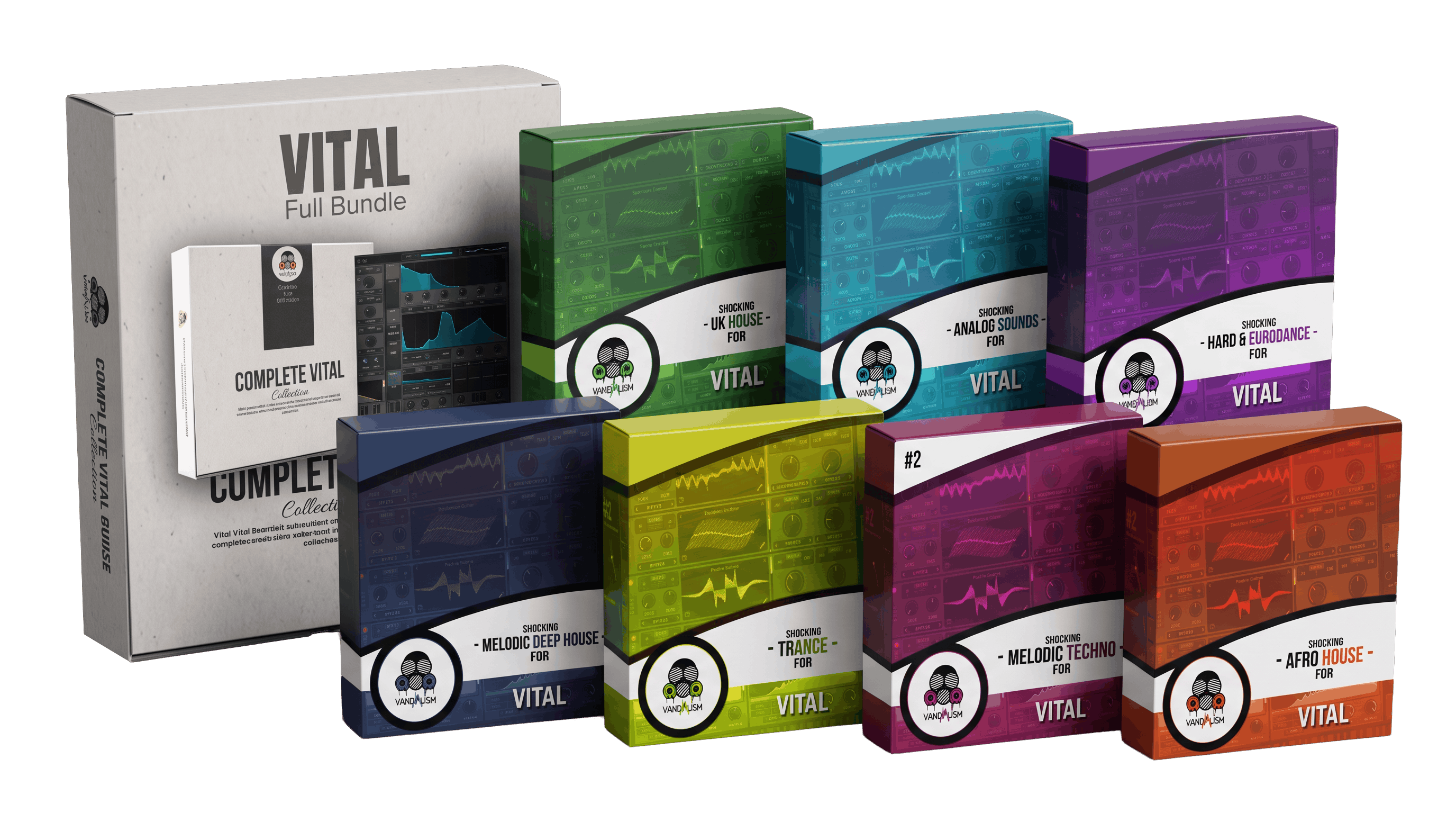
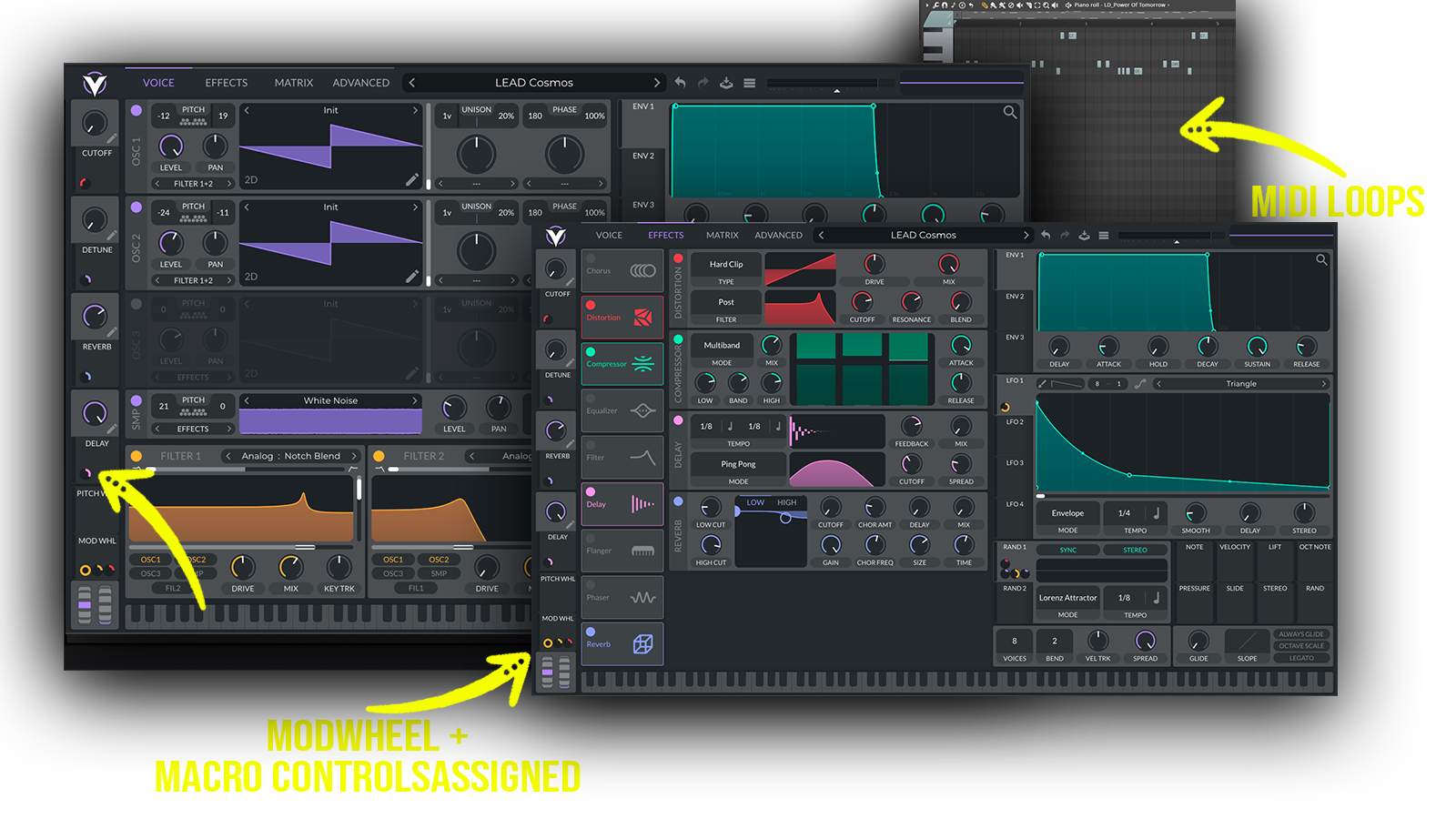 Ultimate Vital collection containing UK House, Hard Dance, Trance, Big Room, Melodic Techno, Techno, Deep House, Tropical House and much more sounds!
Bundle includes all 19 Vital packs that can be found here:
CLICK
Frequently asked questions
Which version of Vital do I need to run these presets?
How do I install Vital presets?
What’s included in the download?
How do I download my presets after purchase?
Who uses our sounds