Shocking Hard & Eurodance For Vital
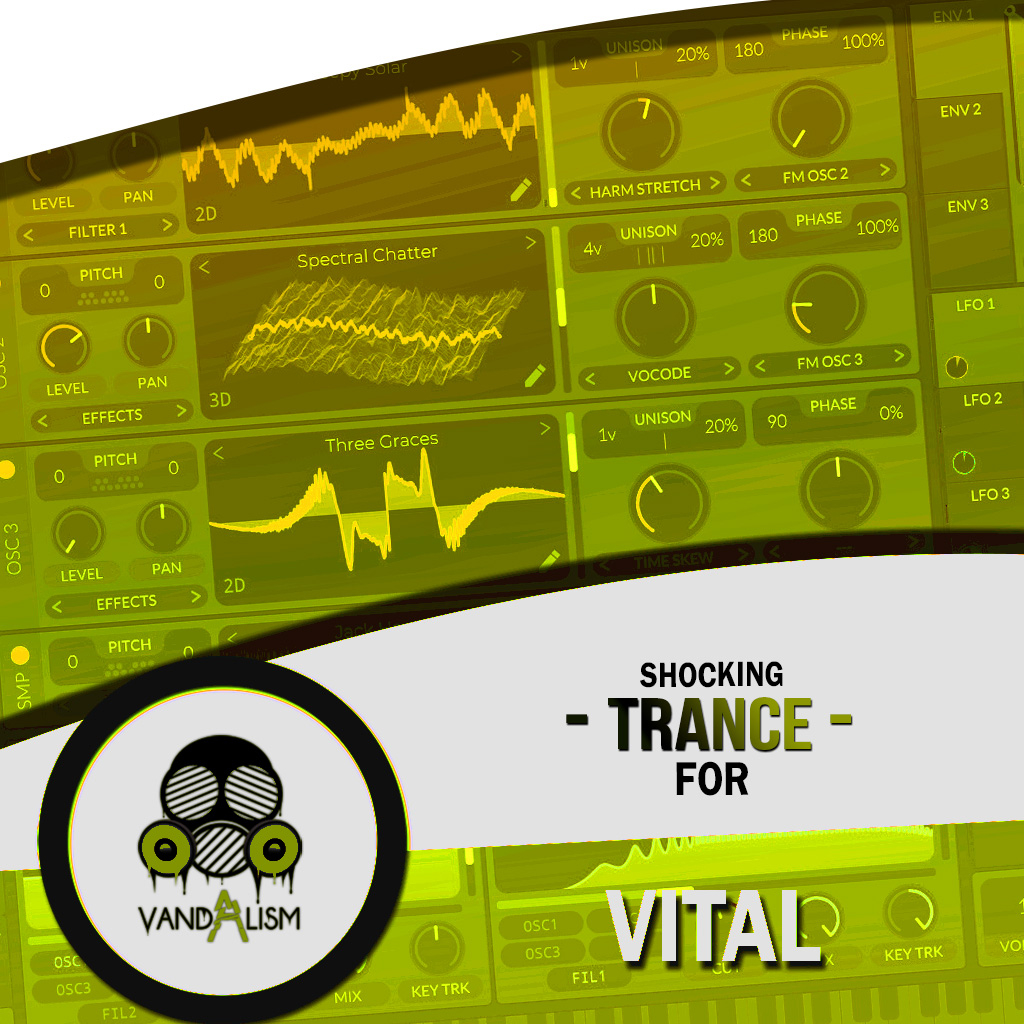
Shocking Hard & Eurodance for Vital delivers 60 powerful, punchy presets inspired by classic rave energy and modern sound design. Each preset is carefully crafted using precise processing, top-tier equalization, and detailed design to create a versatile palette of bright, warm, and impactful sounds.The pack includes bright, detuned and portamento leads, instrument-inspired sounds such as pianos, guitars, and brass, as well as dynamic, moving synths and pads, and punchy basses. These presets cut through any mix and are flexible enough to work across a wide range of genres.
Product details
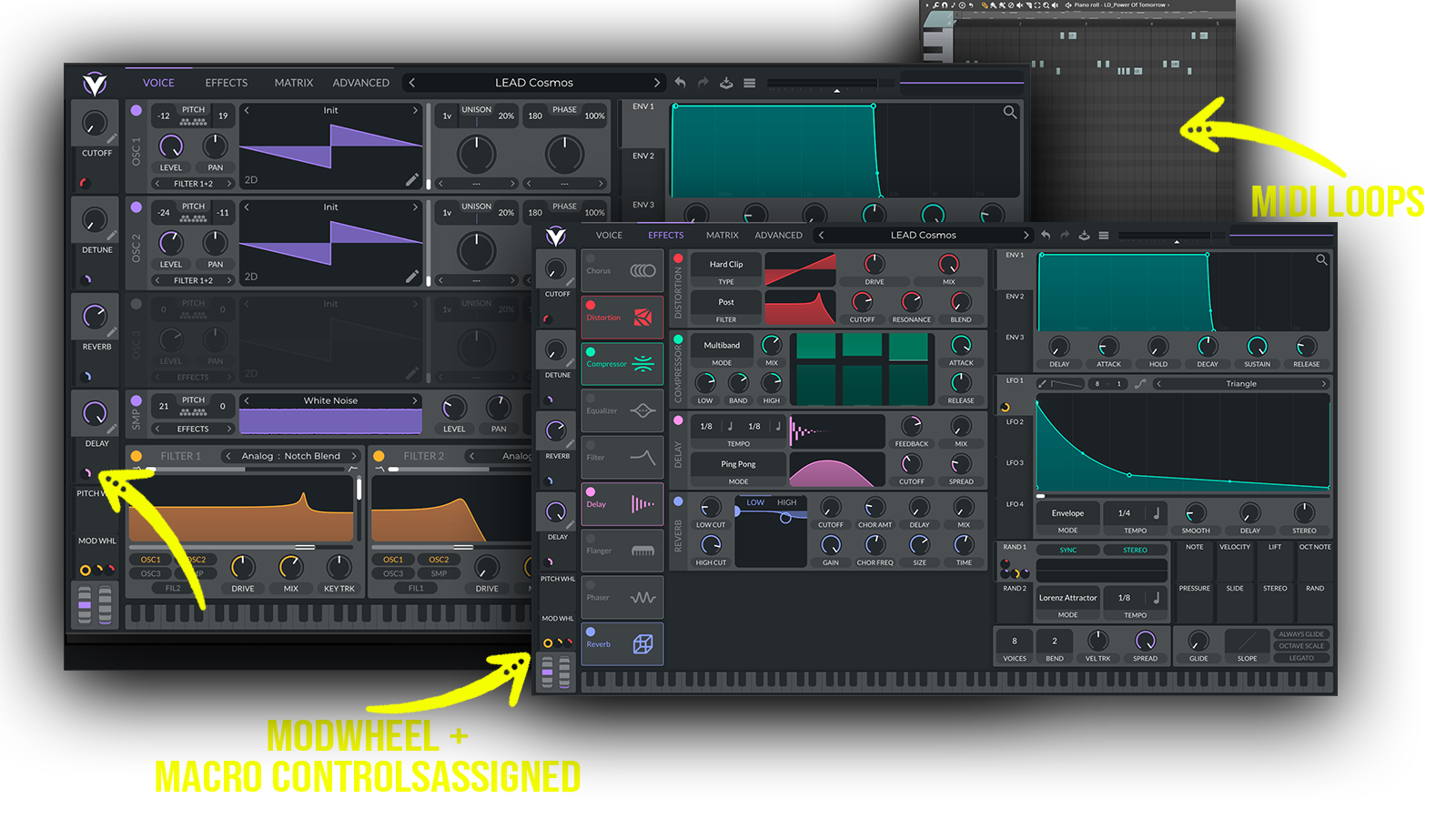
• 60 Vital Presets • 40 Lead Sounds • 6 Bass Sounds • 2 Pad Sounds • 2 Synth Sounds • 1 Pluck Sound • 42 MIDI Loops • 4 Macro Controls Assigned • ModWheel Assigned • 100% Royalty-Free Requirements: This soundset requires Vital 1.0.7 or higher.
 Perfect for Hard Dance, Eurodance, Hard House, Dance, Rave, 90s-inspired music, Happy Hardcore.
Includes: • hard eurodance vital presets • eurodance presets for Vital • hard dance Vital presets • rave presets for Vital • 90s rave synths • eurodance leads • bright Vital leads • detuned lead presets • portamento synth presets • classic rave sounds • modern eurodance sounds • punchy dance basses • hard dance leads
Frequently asked questions
Which version of Vital do I need to run these presets?
How do I install Vital presets?
What’s included in the download?
How do I download my presets after purchase?
Sounds in this pack
Who uses our sounds