Shocking Trance For Vital
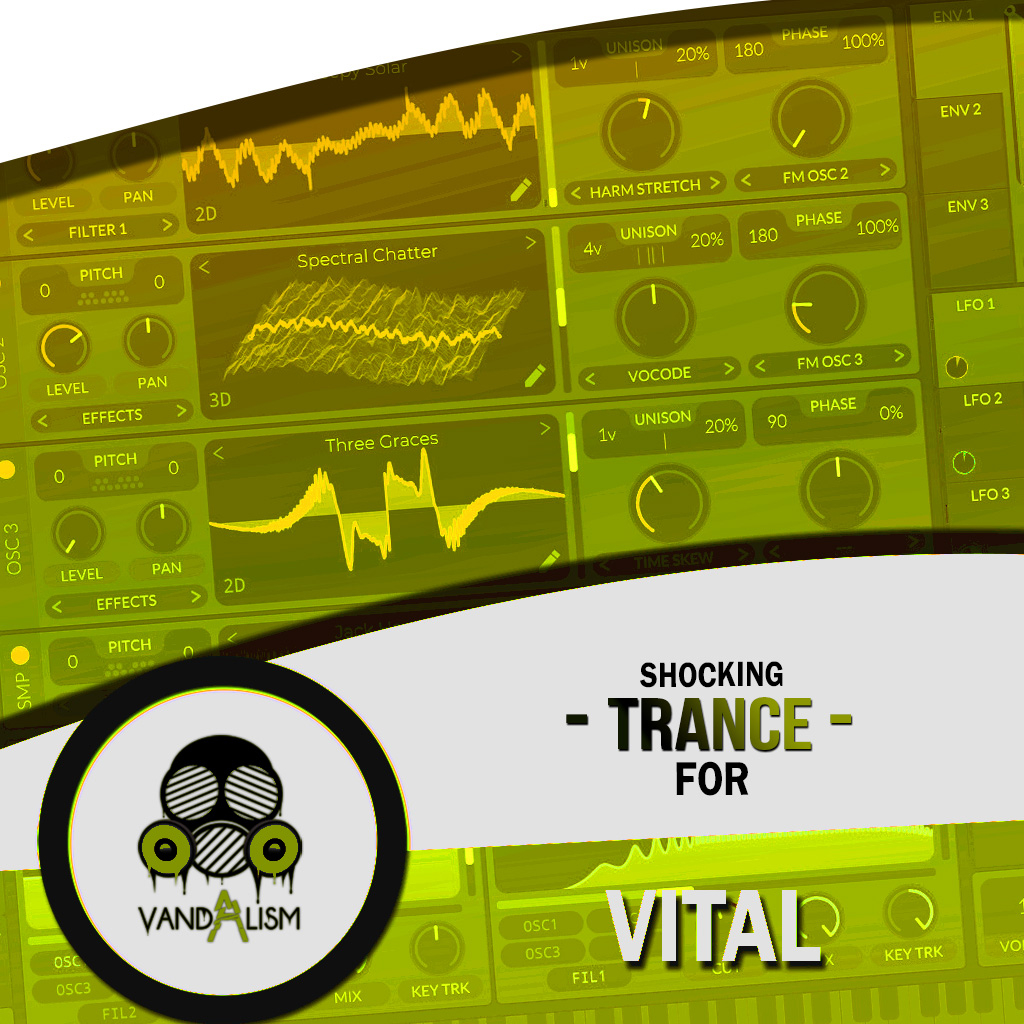
Shocking Trance for Vital is a premium soundset designed for producers of Uplifting Trance, Psytrance, and classic Trance. This expertly crafted collection delivers big atmospheric leads, lush evolving pads, deep rolling basslines, dreamy plucks, punchy stabs, and rich synth textures—everything you need to create professional, high-energy trance tracks. Inside, you’ll discover 70 meticulously designed Vital presets paired with inspiring MIDI files, giving you instant access to ready-to-use sounds that cut through the mix. Whether you’re producing epic breakdowns, driving drops, or emotional melodies, this soundbank will help you elevate your music, enhance your sound, and reach a wider audience.Take your productions higher with the sounds your trance tracks deserve.
Product details
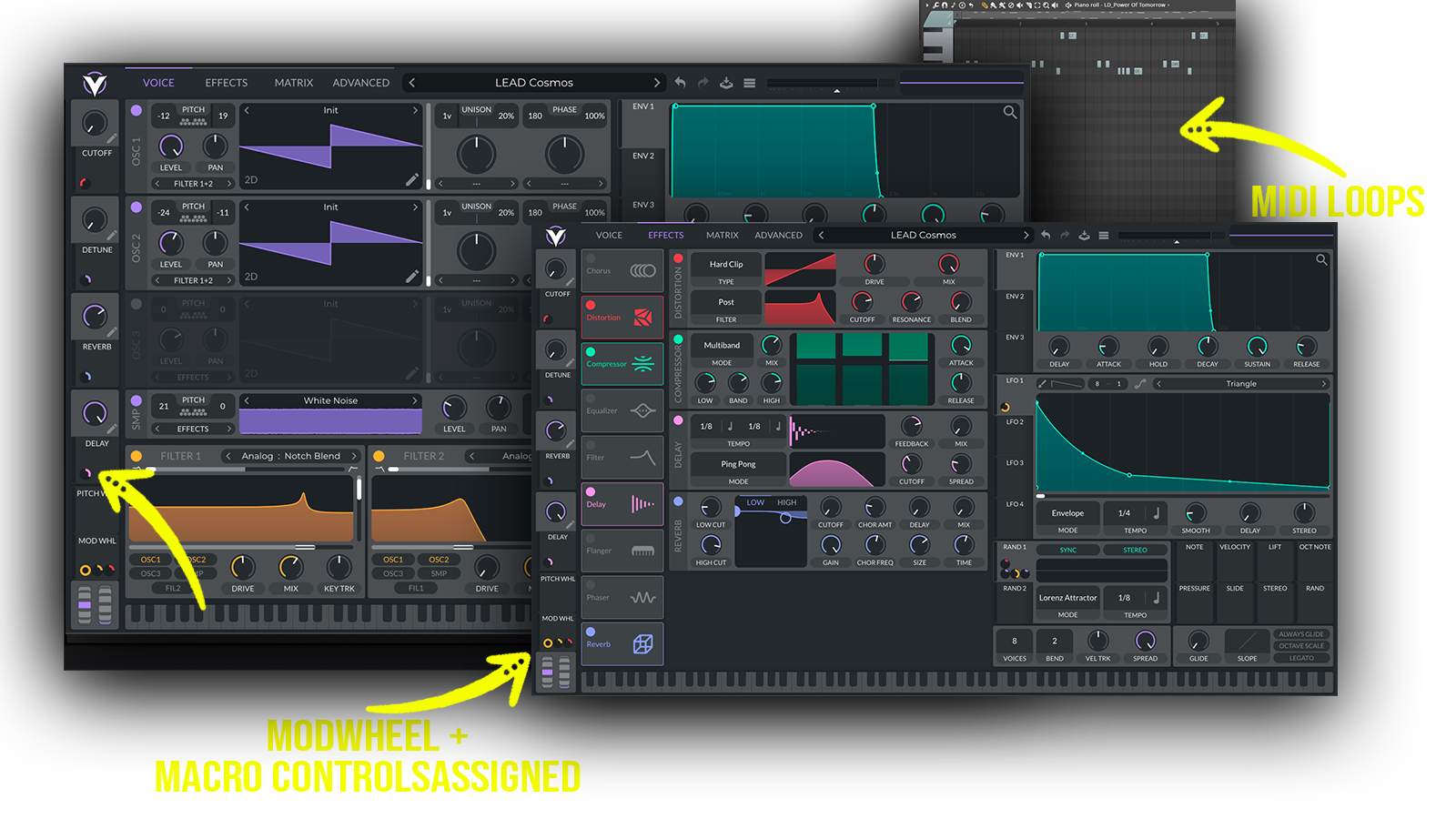
• 70 Vital Presets • 50 Lead Sounds • 9 Bass Sounds • 5 Pad Sounds • 4 Pluck Sounds • 3 Stab Sounds • 51 MIDI Loops • 4 Macro Controls Assigned • ModWheel Assigned • 100% Royalty-Free Requirements: This soundset requires Vital 1.5.5 or higher.
 Perfect for Uplifting Trance, Classic Trance, Psytrance, Progressive Trance.
Includes: •uplifting trance presets • trance lead presets • big atmospheric leads • emotional trance sounds • rolling bass presets • deep trance basses • evolving pads • dreamy trance plucks • psytrance presets • classic trance sounds • festival trance leads
Frequently asked questions
Which version of Vital do I need to run these presets?
How do I install Vital presets?
What’s included in the download?
How do I download my presets after purchase?
Sounds in this pack
Who uses our sounds