Shocking Big Room & Progressive House For Vital
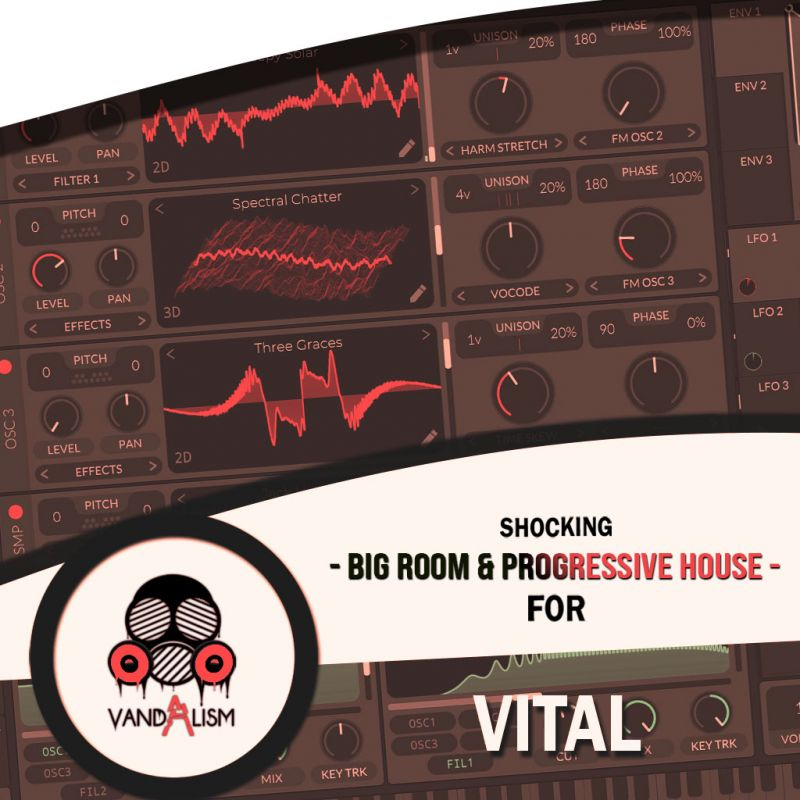
'Shocking Big Room & Progressive House For Vital' brings you 57 Vital Presets inspired by the best Festival tracks. It brings you perfectly crafted sounds to shape your music into your next big track. Get access to the perfectly crafted collection of pumping basses, enormous, detuned leads, big synths and wonderful plucks and pads. Not only does this package contain top notch synth presets, but also custom wavetables and MIDI.
Product details
• 57 Vital Presets • 27 Lead Sounds • 6 Bass Sounds • 5 FX Sounds • 13 Key Sounds • 5 Pad Sounds • 2 Sequence Sounds • Made with Custom Wavetables • 12 Custom Samples • 63 MIDI Loops • 4 Macro Controls Assigned • ModWheel Assigned • 100% Royalty-Free
Requirements: This soundset requires Vital 1.0.7 or higher.
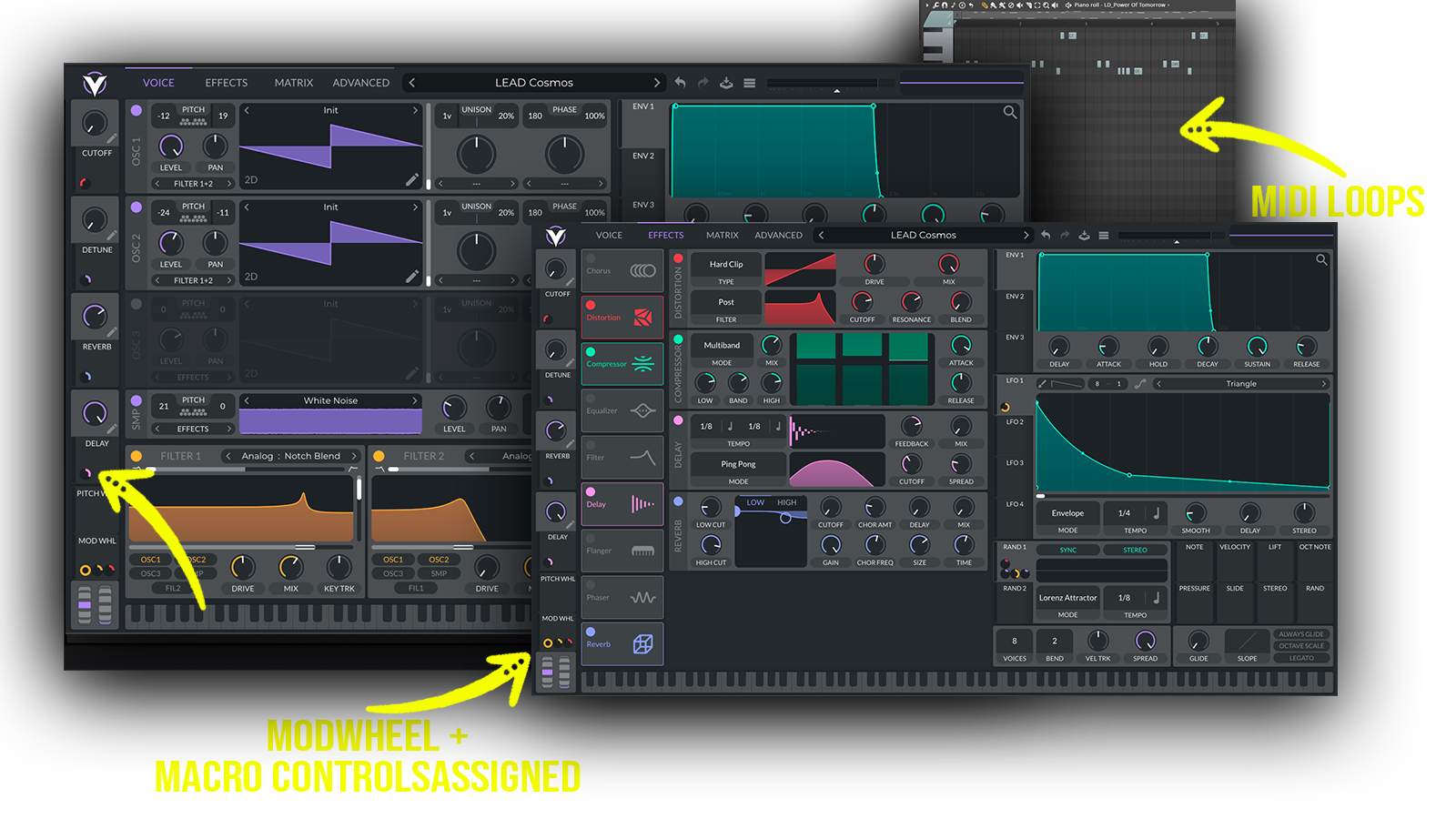 Perfect for Progressive House, Big Room, Big Room House, EDM, Festival House
Includes: • massive supersaw leads • festival progressive leads • emotional melodic leads • big room synth hooks • energetic EDM leads • punchy festival basses • progressive house basslines • euphoric plucks • bright progressive plucks • wide atmospheric pads • cinematic breakdown pads • energetic synth layers
Frequently asked questions
Which version of Vital do I need to run these presets?
How do I install Vital presets?
What’s included in the download?
How do I download my presets after purchase?
Sounds in this pack
Who uses our sounds