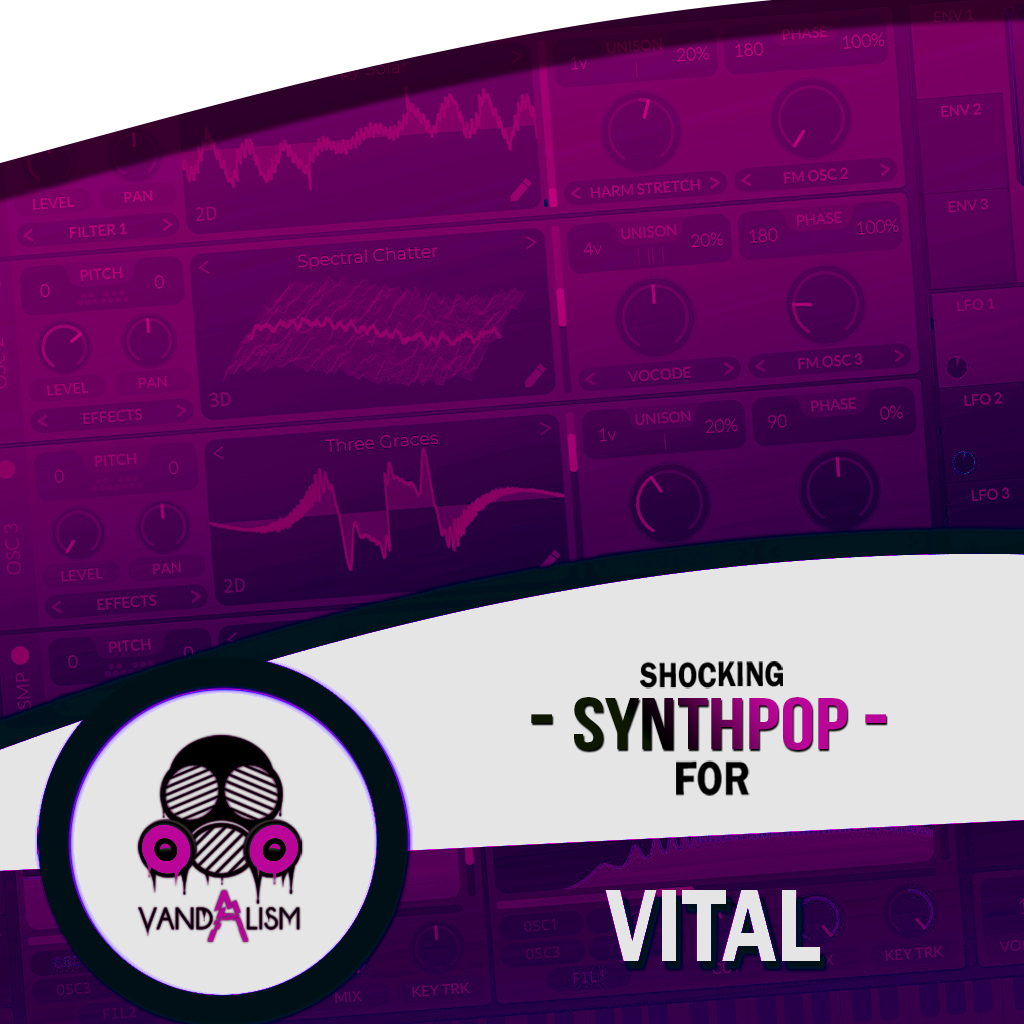
Shocking Synthpop For Vital
Shocking Synthpop For Vital is a cutting-edge soundbank that merges the best of both worlds: futuristic tones and classic vibes. The 1980s sound is making a massive comeback, shining through decades of musical innovation. As producers dive into their origins, this Vital preset collection delivers the nostalgic, analog sounds you crave, infused with contemporary finesse. Witness the rise of artists such as The Weeknd, M83, and fresh tracks by David Guetta and Dua Lipa, who have masterfully blended the essence of the past with the innovation of the future. Inside this preset pack you will find sounds suitable for genres such as Synthwave, Cyberpunk and Retrowave.
Product details
• 61 Vital Presets • 37 Lead Sounds • 14 Bass Sounds • 7 Pad Sounds • 2 Key Sounds • 1 FX Sounds • 45 MIDI Loops • 4 Macro Controls Assigned • ModWheel Assigned • 100% Royalty-Free
Requirements: This soundset requires Vital 1.0.7 or higher.
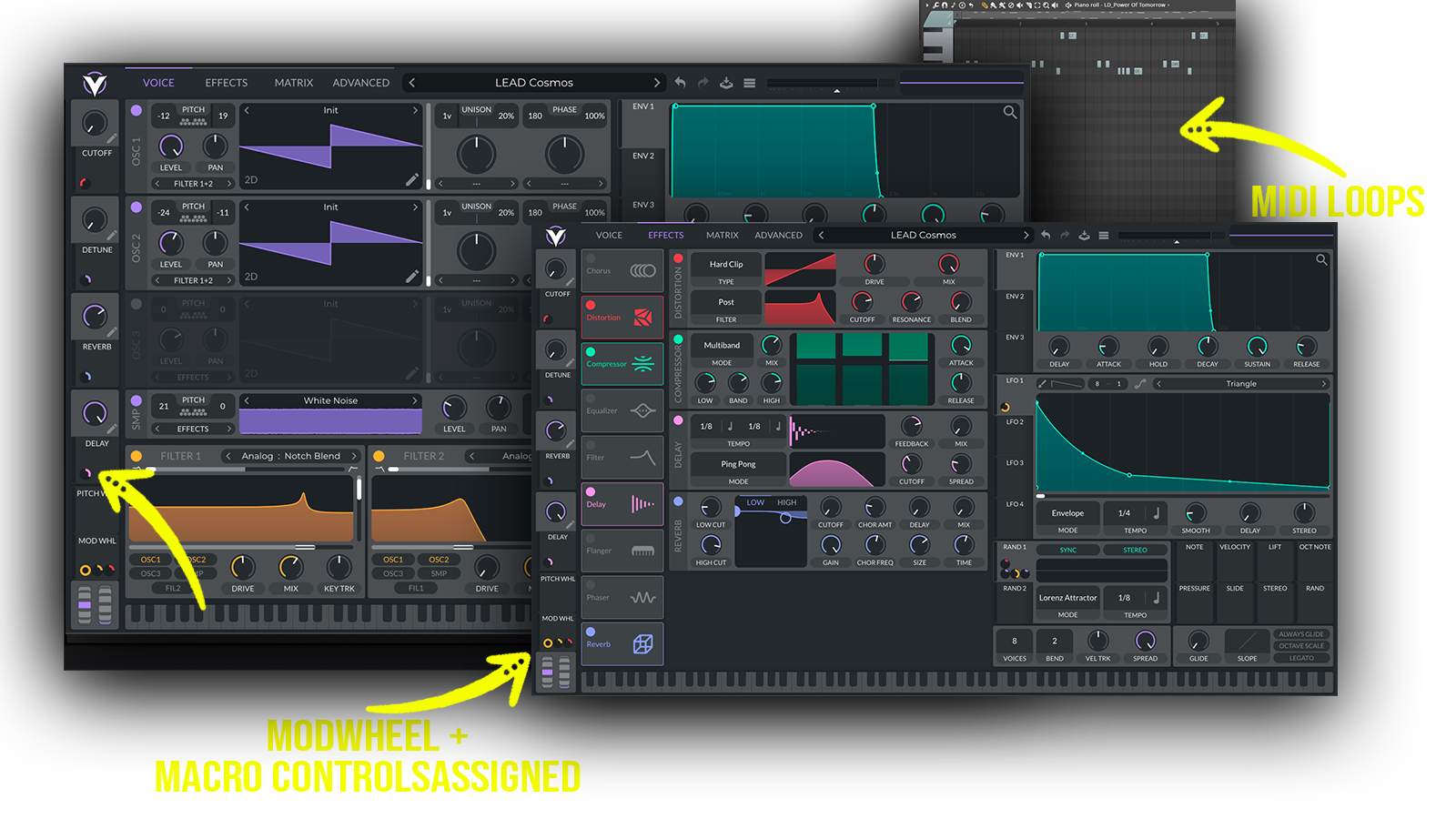 The soundbank is specifically inspired by the iconic sound of the 1980s and focuses on nostalgic analog-inspired sounds with a modern production approach
Includes: • nostalgic 80s synth leads • retro synthwave leads • analog-inspired lead synths • vintage synth hooks • futuristic cyberpunk leads • dark retrowave synths • emotional synthpop melodies • punchy synthpop basses • analog-style basslines • deep retro basses • driving synthwave basses • warm analog bass • cinematic synthwave pads • atmospheric retro pads • dark cyberpunk pads • nostalgic synth layers • vintage keyboard sounds
Frequently asked questions
Which version of Vital do I need to run these presets?
How do I install Vital presets?
What’s included in the download?
How do I download my presets after purchase?
Sounds in this pack
Who uses our sounds