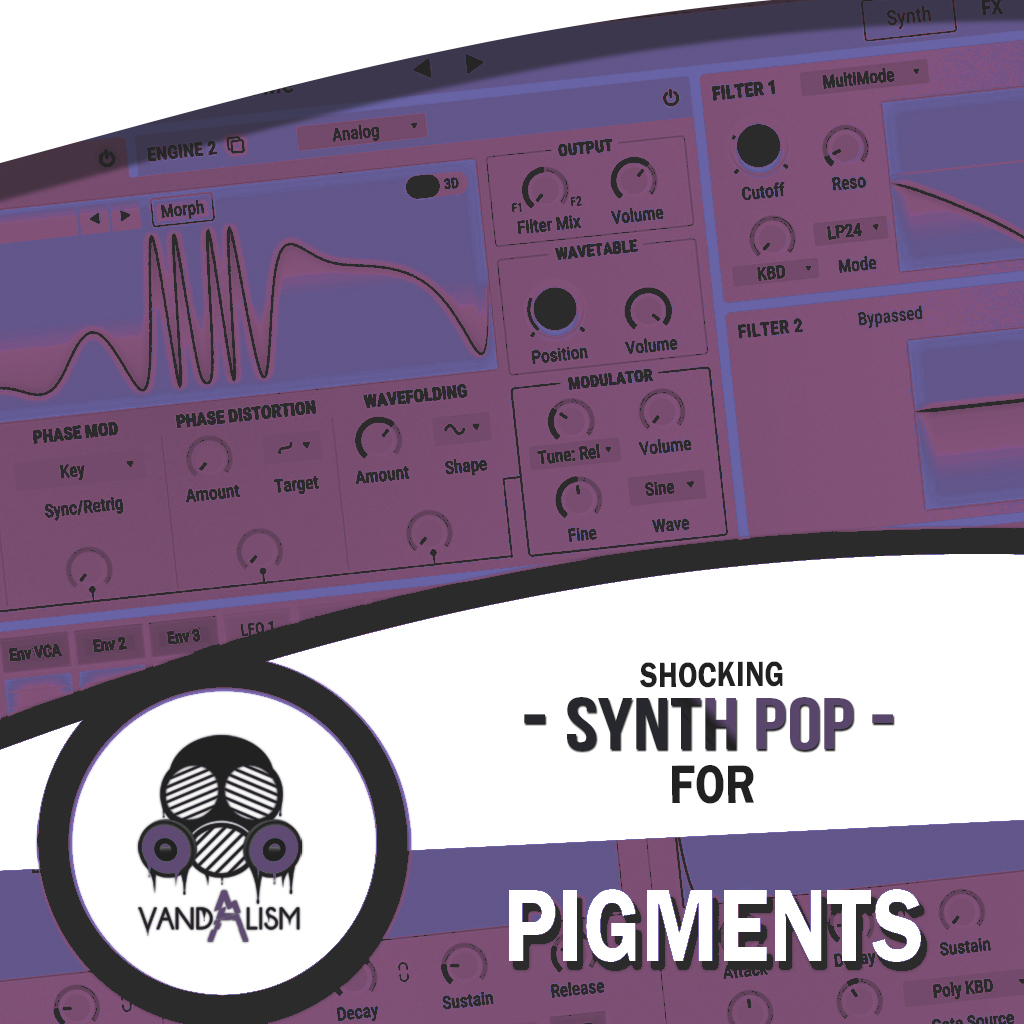
Shocking Synth Pop For Pigments
Shocking Synth Pop for Pigments is a soundbank that blends retro charm with a futuristic edge. The iconic sound of the '80s is making a powerful comeback, and after decades of musical evolution, producers are reconnecting with those nostalgic roots. This Pigments preset pack delivers the warm, analog-inspired tones you've been searching for—crafted with precision and enhanced by a modern touch. Just look at the success of artists like The Weeknd, M83, or the latest releases from David Guetta and Dua Lipa—they’ve all mastered the art of fusing past and future. Now it's your turn.
Product details
• 61 Pigments Presets • 32 Lead Sounds • 14 Bass Sounds • 10 Synths Sounds• 5 Pad Sounds • Up to 4 Macro Controls Assigned • 39 MIDI Loops • ModWheel Assigned • 100% Royalty-Free Requirements: This soundset requires Pigments 6.0.1+
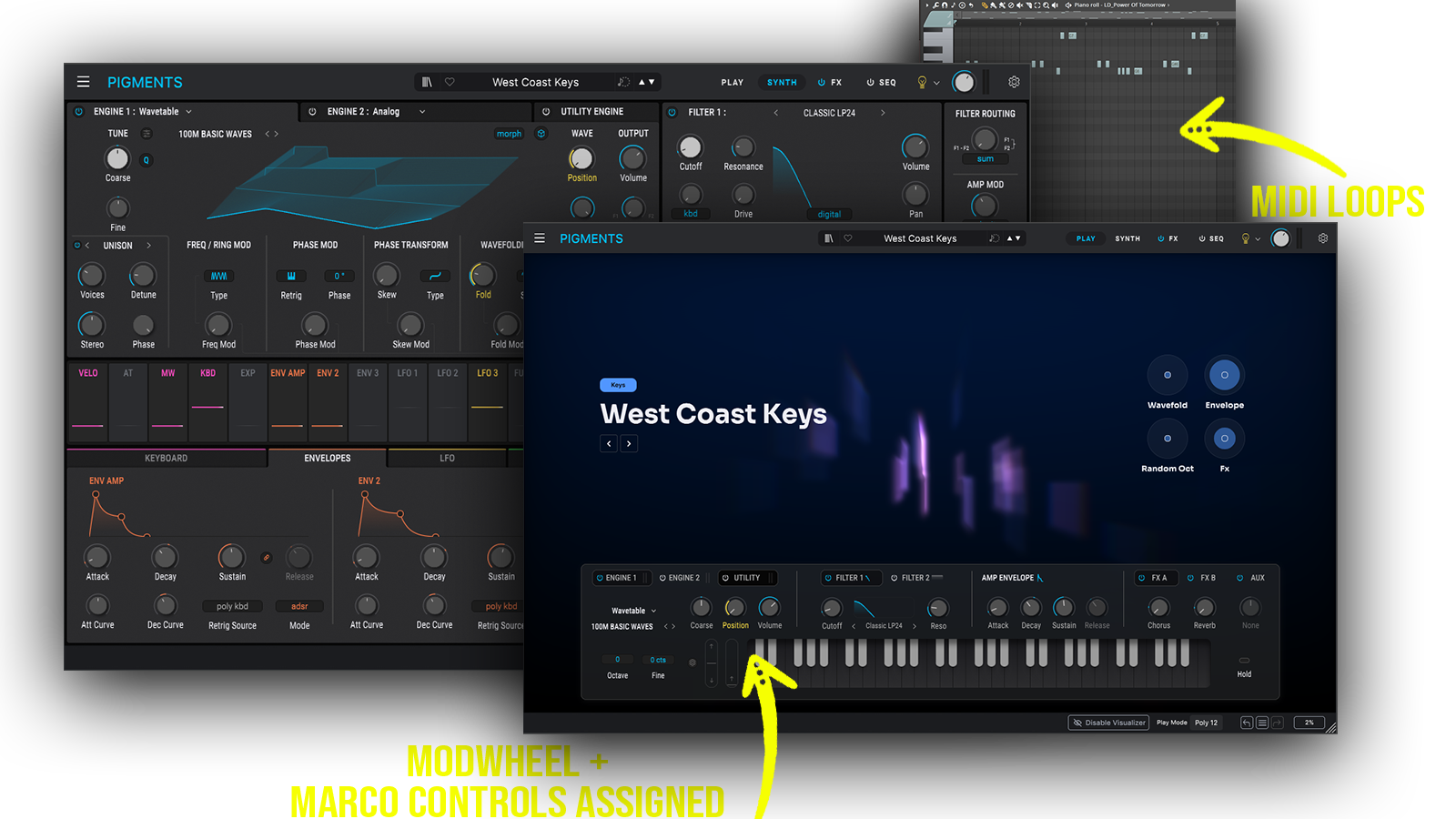 Perfect for Synthwave, Synth-Pop, Retrowave, Vaporwave, Pop and Lo-Fi House
Includes: • 80s synth leads • retro pop leads • analog synth leads • vintage synth leads • emotional synth leads • melodic pop leads • nostalgic synth leads • warm analog basses • vintage synth bass • 80s bass sounds • retro bass presets • synth pop basses • warm pop synths • retro synths • analog synth sounds
Frequently asked questions
Which version of Pigments do I need to run these presets?
How do I install Pigments presets?
What’s included in the download?
How do I download my presets after purchase?
Sounds in this pack
Who uses our sounds