Pigments Full Bundle

The ultimate collection of Vandalism Pigments soundsets. Explore a wide range of genres, unlock hundreds of inspiring MIDI loops, and discover endless creative possibilities for your next track.


This complete bundle includes every Vandalism Pigments soundset ever released, bringing together 8 premium sound libraries packed with 499 professionally crafted presets for Arturia Pigments..


From cinematic atmospheres and melodic sequences to powerful leads, basses, and modern electronic sounds, this collection gives you everything you need to take your productions to the next level.

Product details

• 8 Pigments Soundsets • 499 Pigments Presets • 103 Bass Presets • 3 FX Presets • 32 Keys Presets • 260 Lead Presets • 42 Pad Presets • 24 Pluck Presets • 6 Sequence Presets • 2 Stab Presets • 27 Synth Presets • MIDI Loops from demos
Scroll Reveal Obrazek

Frequently asked questions

Which version of Pigments do I need to run these presets?
We recommend using the latest available version of Pigments to ensure the best compatibility with our presets. The specific required version is listed above in the Product Details section or below each preset in the Sound List section.
How do I install Pigments presets?
To install Arturia Pigments presets, open Pigments in your DAW and access the preset browser. To import individual presets, use the browser's import option and select the downloaded preset files. For preset banks or sound banks, follow the import instructions provided with the specific file format. Once imported, your presets will appear in the Pigments preset browser and remain available in future sessions. Make sure you are using a compatible version of Pigments and that the downloaded files are extracted before importing them, if necessary.
What’s included in the download?
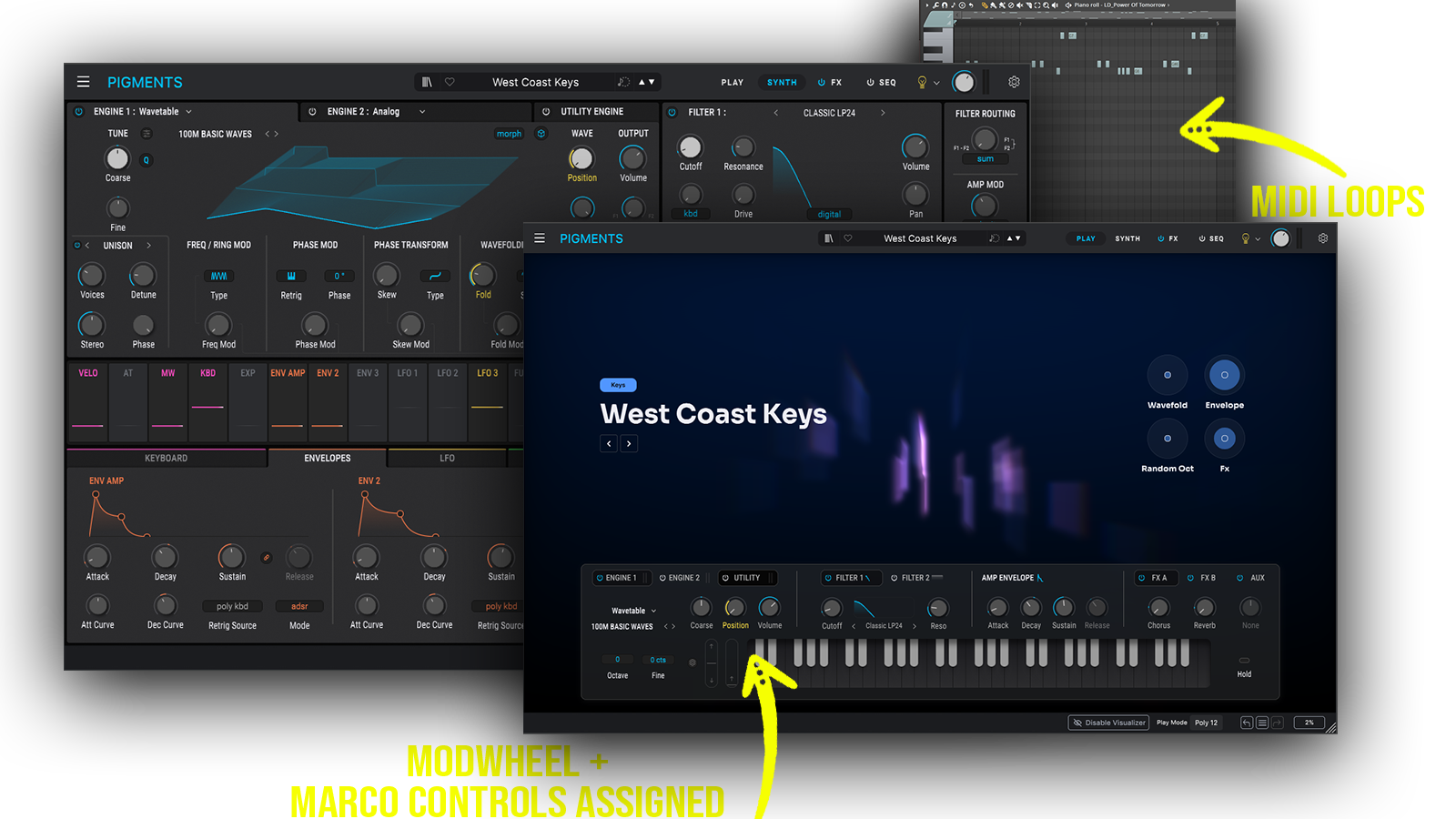
Each download includes professionally crafted, human-made sounds designed with the highest possible attention to quality and detail. Our Pigments presets feature pre-programmed macros and ModWheel assignments, allowing you to customize and shape the sound to fit your production needs. All included presets and MIDI files (if specified in the Product Details) can be previewed in the Sound List below.

How do I download my presets after purchase?
Your download link appears right after checkout and is also emailed to you. Can't find it? Check spam, then email [email protected] with your order number.
You may also like

Who uses our sounds