Shocking Organic House For Pigments
Shocking Organic House For Pigments is a collection of 60 unique, carefully crafted presets designed for modern melodic and organic house production. Inspired by the sound of your favorite artists and labels, this pack gives you instant access to the tones you need to spark ideas and finish tracks faster. Inside, you’ll find a versatile selection of leads, pads, basses, plucks, and keys — all designed to sound warm, rich, and musical right out of the box. Every preset has been engineered to shine even with a single note, delivering depth and emotion without the need for heavy processing. These are the kinds of sounds producers rely on — expressive, inspiring, and always sitting perfectly in the mix.
Product details
• 60 Pigments Presets • 23 Lead Sounds • 10 Bass Sounds • 6 Pad Sounds • 14 Keys Sounds • 4 Pluck Sounds • 3 Synth Sounds • 4 Macro Controls Assigned • 35 MIDI Loops • ModWheel Assigned • 100% Royalty-Free Requirements: This soundset requires Pigments 7.0.0+
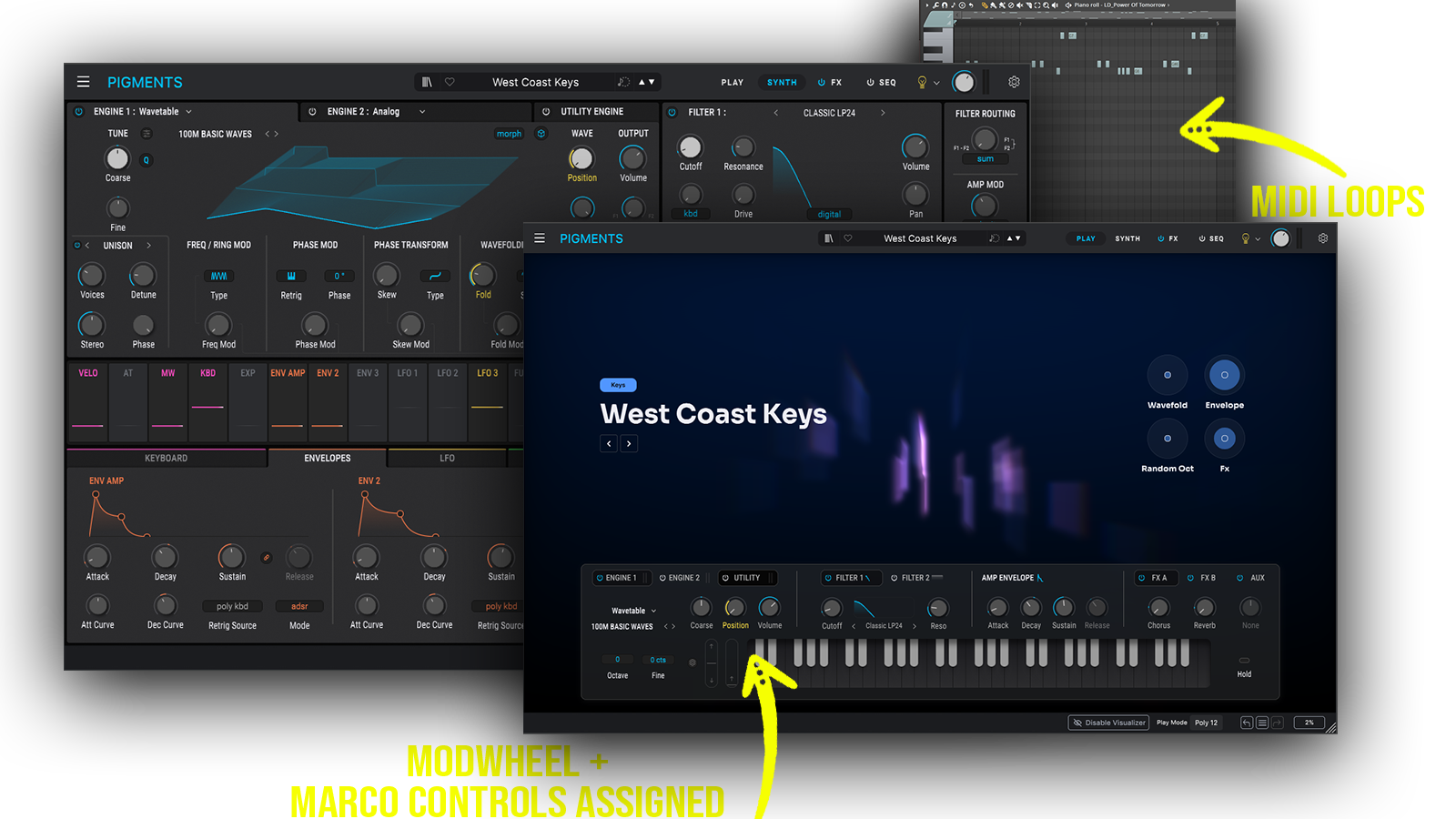 Perfect for Organic House, Melodic House, Deep House, Progressive House
Includes: • organic house basses • warm bass presets • melodic basslines • deep house basses • organic low-end • warm analog basses • emotional leads • melodic house leads • warm synth leads • atmospheric leads • dreamy synth leads • organic house keys • melodic keys
Frequently asked questions
Which version of Pigments do I need to run these presets?
How do I install Pigments presets?
What’s included in the download?
How do I download my presets after purchase?
Sounds in this pack
Who uses our sounds