Shocking Melodic Deep House For Vital
Shocking Melodic Deep House for Vital delivers a collection of premium Vital presets inspired by Melodic House, Deep House, and Techno. Inside this soundset, you’ll find analog-driven sounds enhanced with intricate modulation to bring every patch to life including lush leads and pads, deep, punchy basses, and beautifully crafted synths that fit perfectly with any melody you imagine.Push your music further. Refine your sound. Because your sound matters.
Product details
• 55 Vital Presets • 31 Lead Sounds • 9 Bass Sounds • 2 Pad Sounds • 9 Synth Presets • 3 Pluck Presets • 1 Stab Preset • 43 MIDI Loops • 4 Macro Controls Assigned • ModWheel Assigned • 100% Royalty-Free Requirements: This soundset requires Vital 1.5.5 or higher.
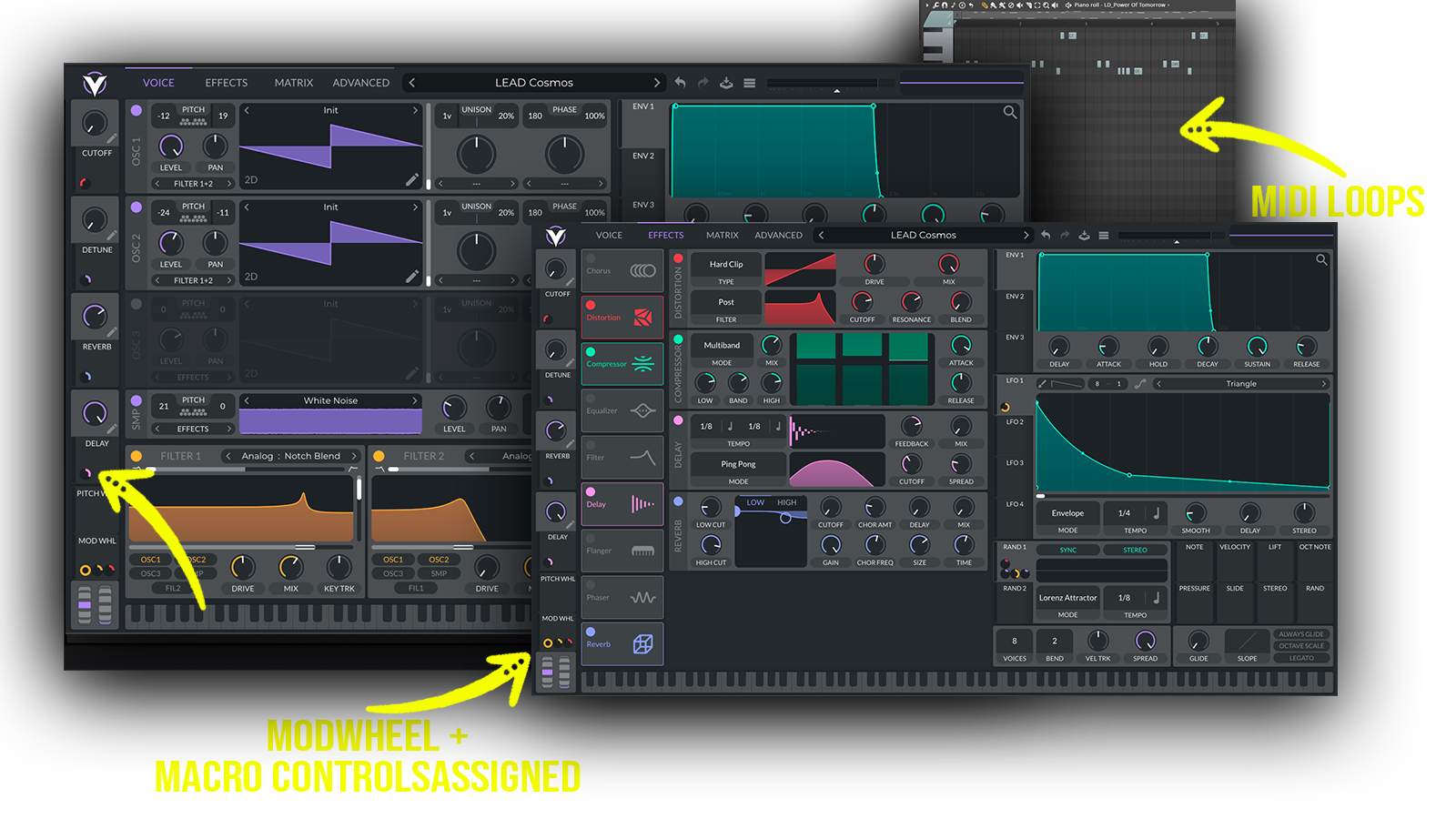 A melodic and analog-driven Vital soundbank for Deep House, Melodic House and melodic electronic music, featuring lush leads, deep punchy basses, atmospheric pads, expressive synths and intricate modulation.
Includes: • melodic deep house Vital presets • melodic house presets for Vital • deep house Vital presets • lush Vital leads • analog-driven synths • punchy deep house basses • evolving Vital presets • modulated synth presets • emotional synth presets • atmospheric Vital sounds
Frequently asked questions
Which version of Vital do I need to run these presets?
How do I install Vital presets?
What’s included in the download?
How do I download my presets after purchase?
Sounds in this pack
Who uses our sounds