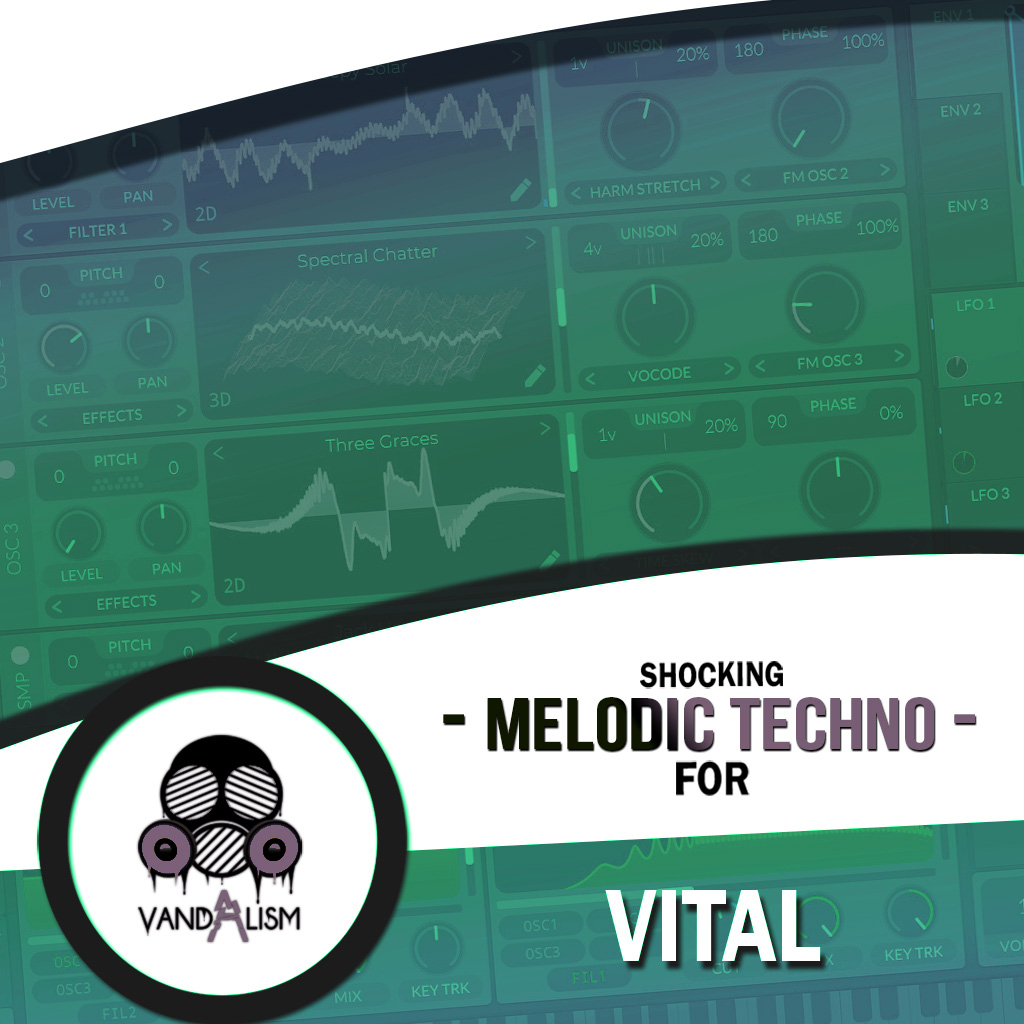
Shocking Melodic House For Vital
Shocking Melodic House For Vital brings you presets for the hottest genre of electronic music right now. This is painstakingly designed collection of 67 Vital sounds inspired by Avaion, Artbat or Tales Of Us. This pack explores the infinite possibilities of Vital Synthesizer and brings true analog tone. The result is simply stunning, beautiful and it can be a constant stream of inspiration!
Product details
• 67 Vital Presets • 45 Lead Sounds • 15 Bass Sounds • 4 Pad Sounds • 4 Key Sounds • 53 MIDI Loops • 4 Macro Controls Assigned • ModWheel Assigned • 100% Royalty-Free Requirements: This soundset requires Vital 1.0.7 or higher.
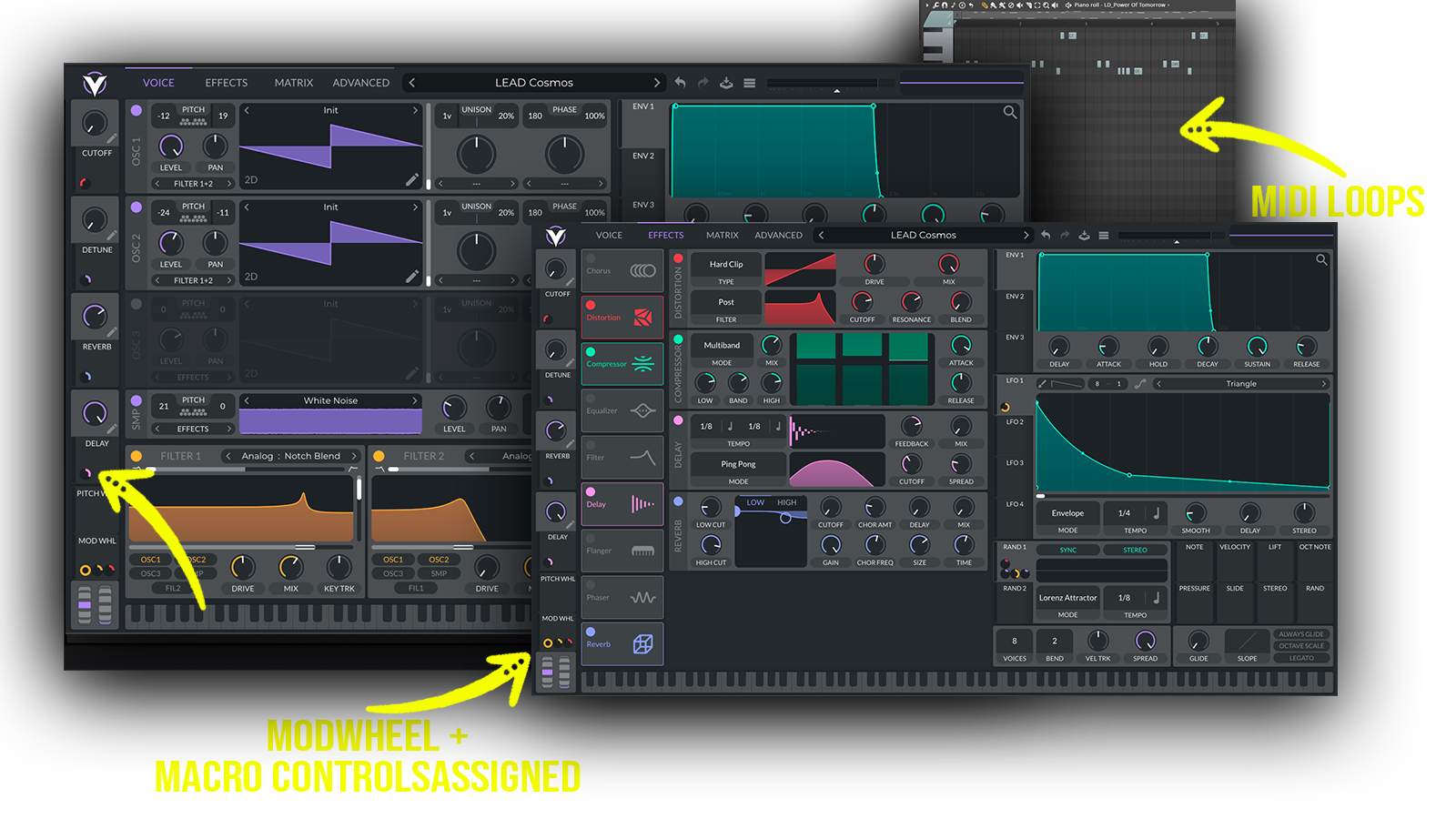 With 67 Vital presets and 53 MIDI loops, this soundbank is a versatile choice for Melodic House, Melodic Techno, Progressive House and Deep House producers looking for warm analog character, memorable melodies and immersive modern synth sounds.
Includes: • emotional melodic house leads • hypnotic melodic leads • deep melodic synths • powerful analog leads • atmospheric melodic leads • ARTBAT-inspired synths • Tale Of Us-inspired leads • Avaion-inspired melodic sounds • dark melodic leads • warm analog synths • deep house basses • deep analog basses
Frequently asked questions
Which version of Vital do I need to run these presets?
How do I install Vital presets?
What’s included in the download?
How do I download my presets after purchase?
Sounds in this pack
Who uses our sounds