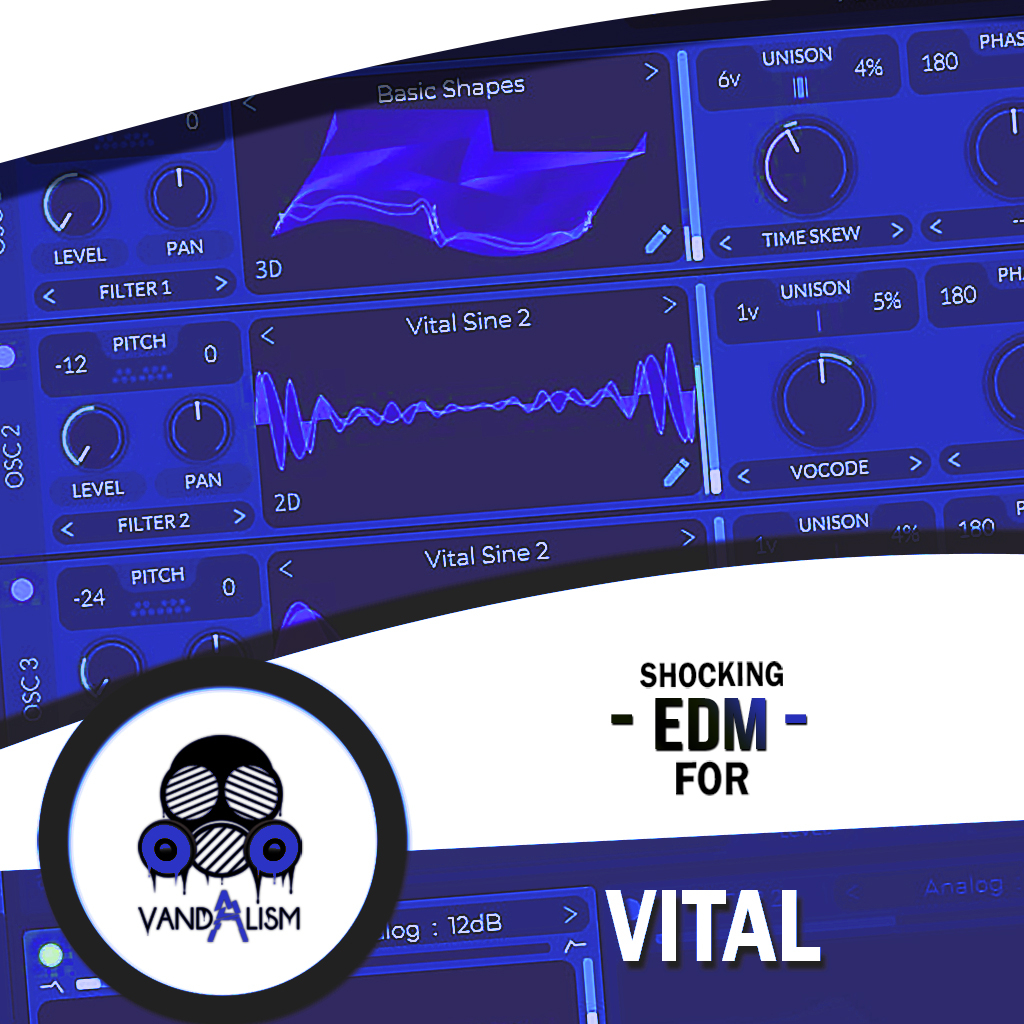
Shocking Deep House For Vital
'Shocking Deep House For Vital' contains an eclectic collection of Vital presets. This pack has been painstakingly put together to capture the true essence and signature sounds of modern Deep House. Bursting with 60 Synth Presets startling variety and flavour, this sound pack will kit out your Vital plugin with whole new dimensions of analog-style synth magic. Inside you will find rolling basses, prismatic keys, evolving pads, captivating leads and spiralling sequences!
Product details
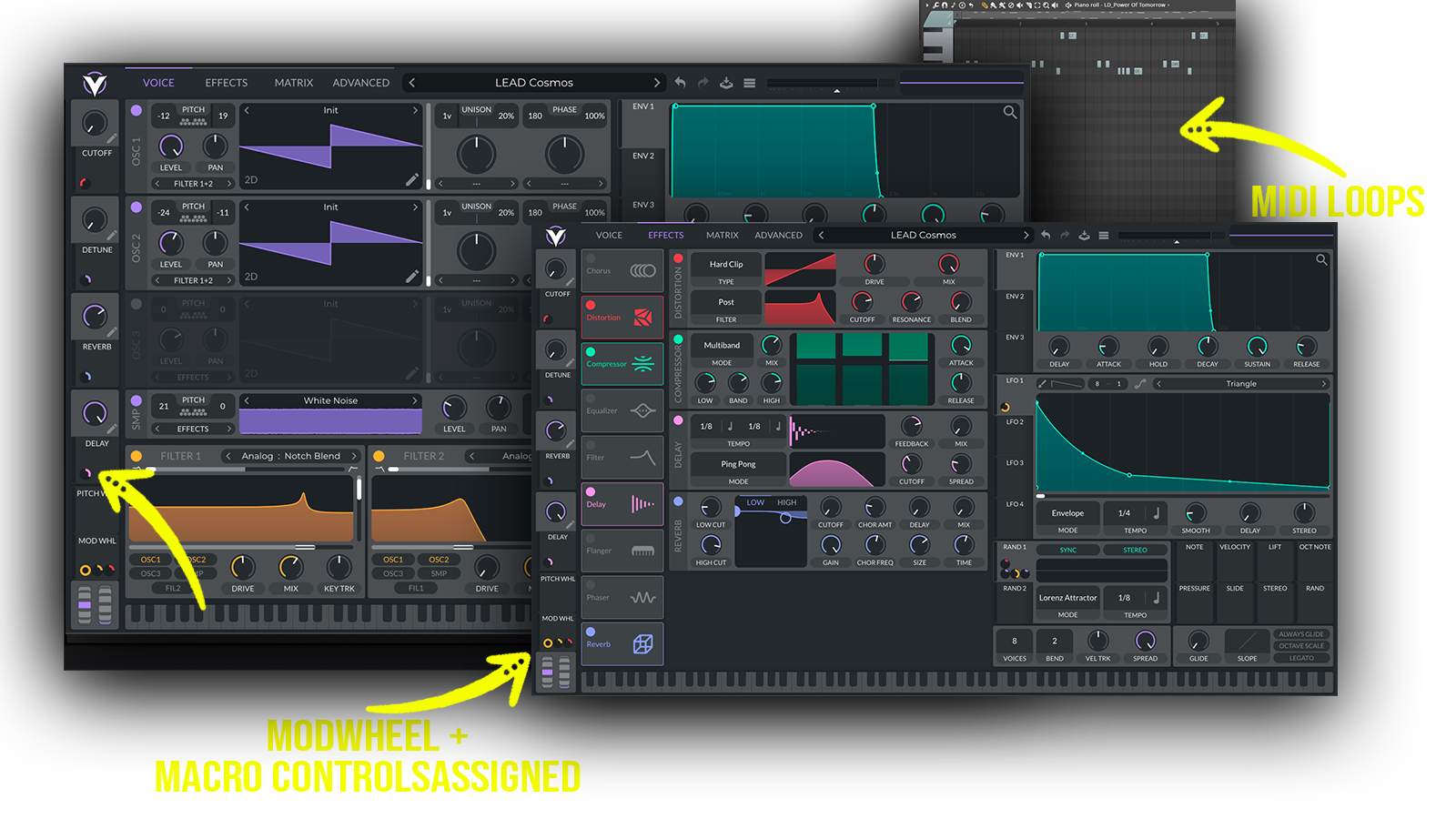
• 60 Vital Presets • 27 Lead Sounds • 13 Bass Sounds • 6 Pad Sounds • 10 Key Sounds • 4 Sequence Sounds • 9 Custom Wavetables • 56 MIDI Loops • 4 Macro Controls Assigned • ModWheel Assigned • 100% Royalty-Free
Requirements: This soundset requires Vital 1.0.7 or higher.
 Perfect for Deep House, Pop House, Analog House, Classic House
Includes: • analog Vital presets • best analog presets for Vital • warm Vital presets • analog lead presets • fat Vital leads • deep analog synths • vintage synth presets • warm synth leads • powerful electronic leads • rich analog sounds • cinematic Vital presets • atmospheric analog sounds • modern analog synthesis • deep electronic synths • vintage Vital sounds
Frequently asked questions
Which version of Vital do I need to run these presets?
How do I install Vital presets?
What’s included in the download?
How do I download my presets after purchase?
Sounds in this pack
Who uses our sounds