Shocking Tropical House For Vital
'Shocking Tropical House For Vital is the uncommon Tropical soundset which brings you only the freshest sounds. This bank is ready to give your productions the sound and feeling of the most original summer vibes. It's a complete arsenal of unique sounds for your next Tropical anthem inspired by the the best tracks from this style. This pack is guaranteed to give you the highest quality patches that you've been looking so long for!
Product details
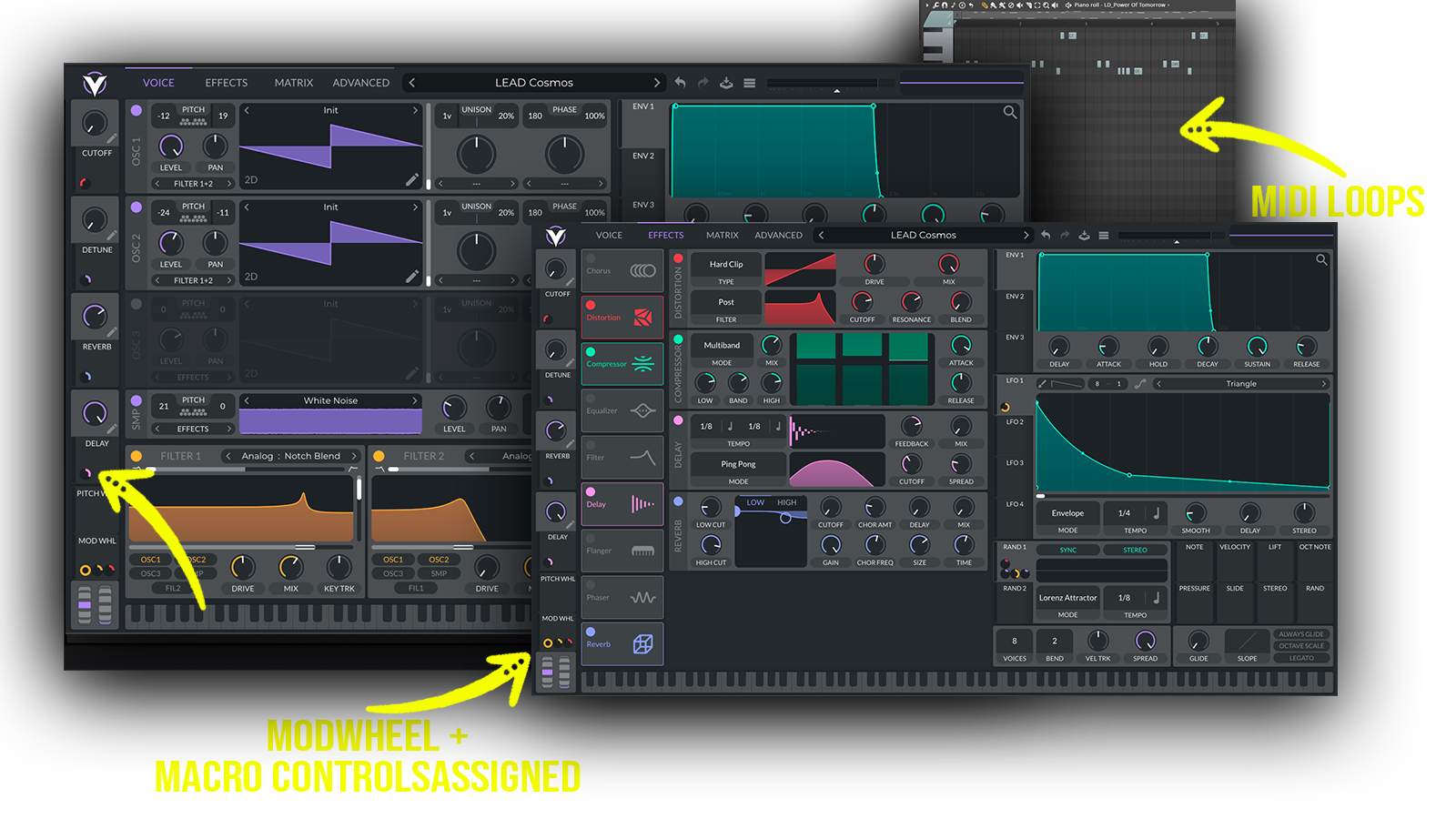
• 63 Vital Presets • 22 Lead Sounds • 12 Bass Sounds • 23 Key Sounds • 7 Pad Sounds • 1 Sequence Sound • Made with 22 Custom Wavetables • 59 MIDI Loops • 4 Macro Controls Assigned • ModWheel Assigned • 100% Royalty-Free
Requirements: This soundset requires Vital 1.0.7 or higher.
 Perfect for Tropical, Tropical House, Tropical Pop, Summer Deep House
Includes: • bright tropical house leads • melodic tropical leads • uplifting house leads • summer synth hooks • tropical pop leads • feel-good synths • emotional melodic leads • catchy house melodies • warm tropical basses • smooth house basslines • deep tropical basses • melodic house basses • tropical synth keys • bright house keys • emotional piano-style keys • atmospheric tropical pads • dreamy summer pads • warm melodic pads
Frequently asked questions
Which version of Vital do I need to run these presets?
How do I install Vital presets?
What’s included in the download?
How do I download my presets after purchase?
Sounds in this pack
Who uses our sounds