Shocking Middle Eastern Sounds For Serum
Bring the captivating sound of the Middle East into your productions with Shocking Middle Eastern Sounds For Serum, a collection of 70 expressive presets for Xfer Serum 2 inspired by Arabic music, traditional Middle Eastern instruments, and cinematic ethnic sound design. This unique sound pack blends the character of real-world acoustic instruments with carefully crafted recreations and completely original sounds. From haunting Arabic flute sounds and expressive duduk presets to powerful zurna leads, resonant oud-inspired tones, emotional cello textures, and bold brass sounds, every preset is designed to bring an unmistakable Middle Eastern character to your music. Authentic Middle Eastern Character Meets Modern Sound Design.
Product details
• 70 Middle Eastern Serum 2 Presets • 55 Lead Presets • 5 Bass Presets • 2 Guitar Presets • 5 Drum Presets • 2 Voice Presets • 1 Pluck Preset • 34 MIDI Loops • 100% Royalty-Free
Requirements: This soundset requires Xfer Records Serum 2.1.5 or higher.
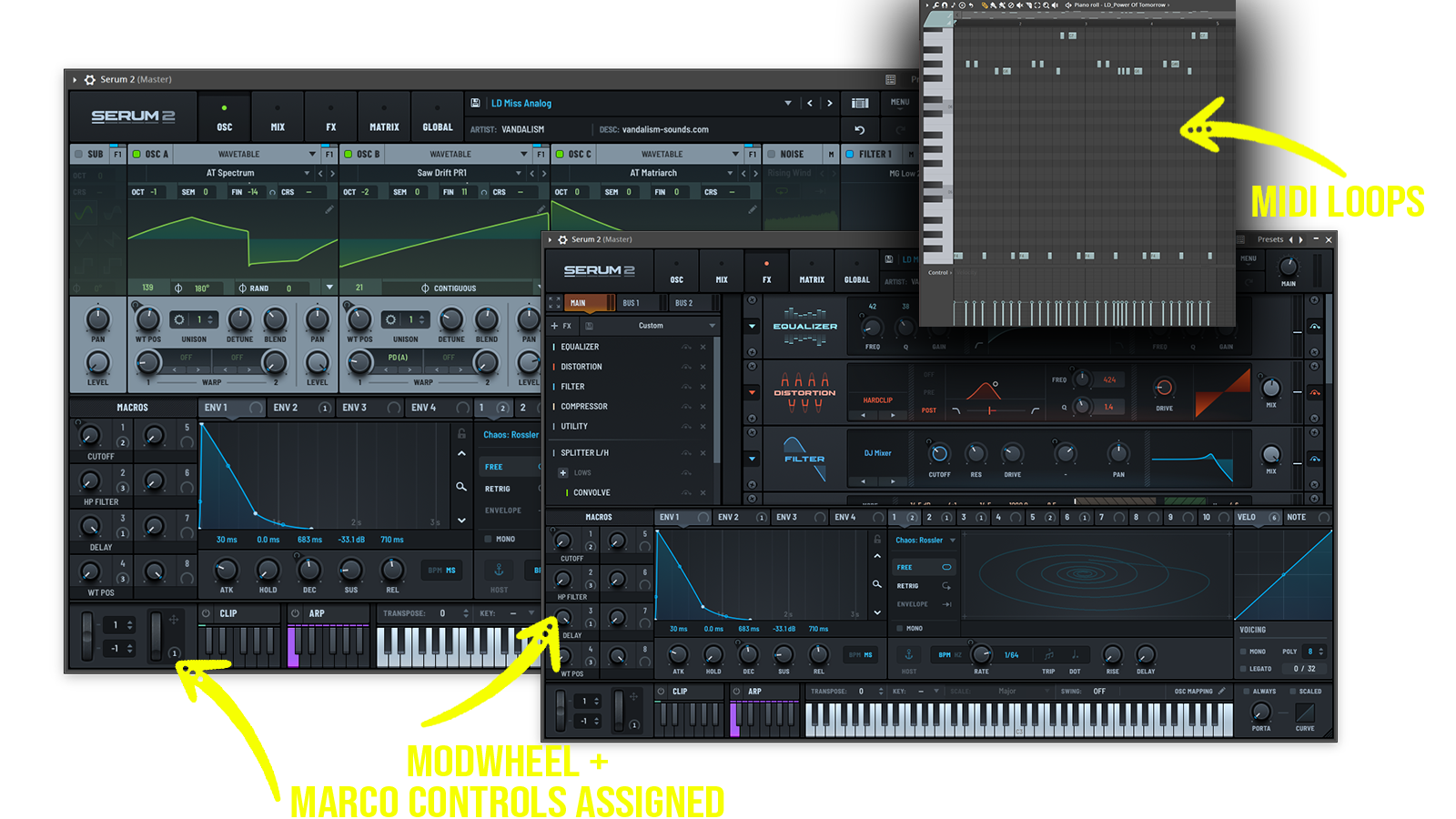 Wide variety of hand-made ethnic, arabic, middle eastern Serum presets.
Includes: • Middle Eastern Serum Presets • Arabic Serum Presets • Ethnic Serum Presets • Arabic Flute Serum Presets • Brass Serum Presets • Arabic Big Room Lead Presets • Oud Serum Presets • Middle Eastern Guitar Presets • Darbuka Serum Presets • Clarinet Serum Presets • Jewish Serum Presets • Duduk Serum Presets • Zarqa Serum Presets • Zurna Serum Presets • Arabic Voice Serum Presets • Snake Charming Serum Presets
Frequently asked questions
Which version of Serum do I need to run these presets?
How do I install Serum presets?
What’s included in the download?
How do I download my presets after purchase?
Sounds in this pack
Who uses our sounds