Shocking Arabic Trap For Sylenth1

'Shocking Arabic Trap For Sylenth1' is truly a game-changing soundset. It brings you perfect fusion of middle-east and arabic culture with modern sound design techniques. It is an another innovative soundbank that came out. It doesn't contain nothing that can be find in other sets. It provides you unique presets that for sure will take your production to a new level. With this sounds you will travel to the distant cultures and music!


Product details

These sounds were inspired by artists such as DJ Snake or Dillon Francis. If you love Arabic Trap & Arabic Big Room and you want to sound unique - this pack is crafted for you!

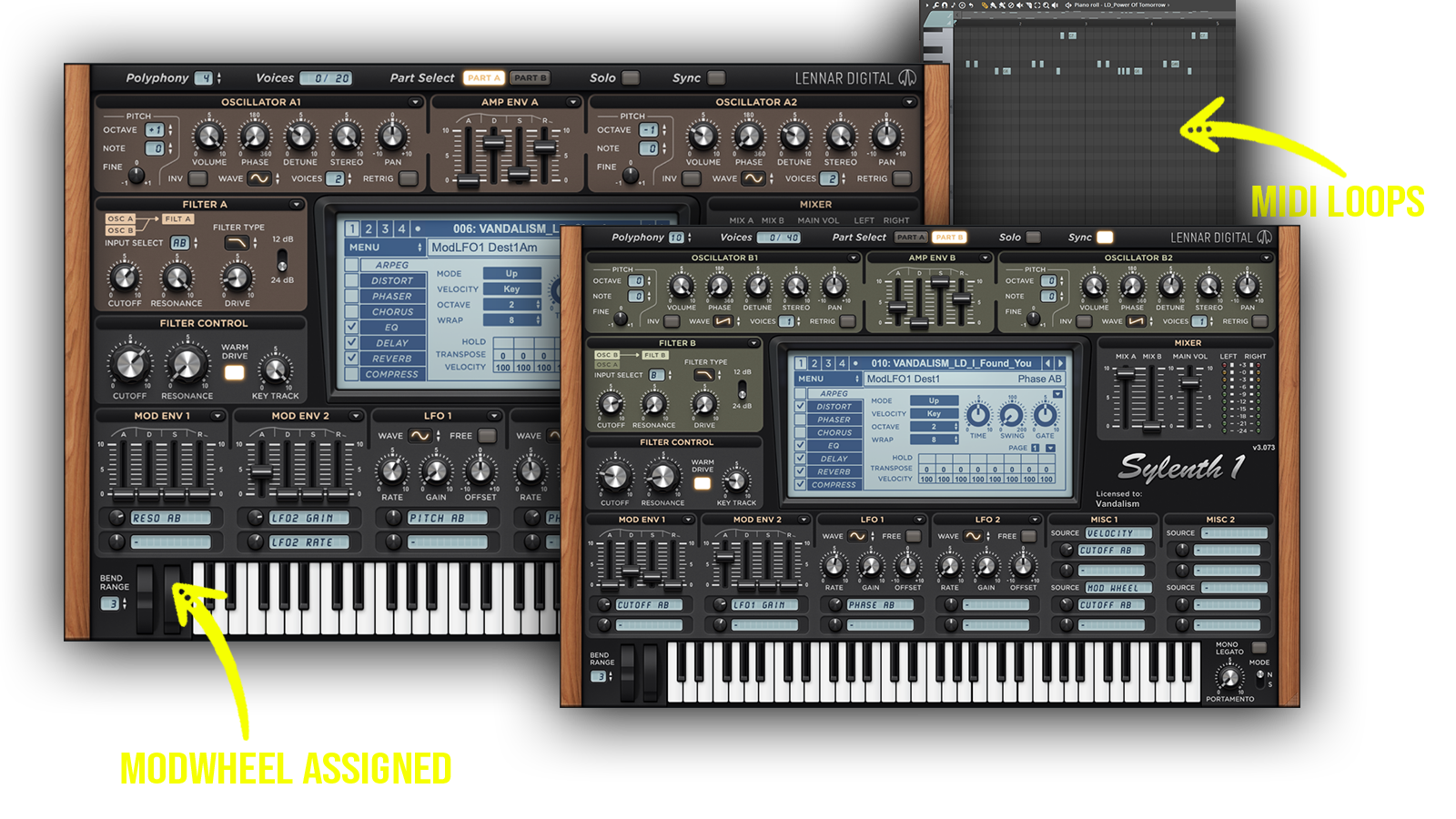
• 64 Sylenth1 Presets • 37 Lead Sounds • 12 Synth Sounds • 9 Pluck Sounds • 5 Drum Sounds • 1 FX Sounds •  57 MIDI Loops


Requirements: Lennar Digital Sylenth1 v.3.0.3 +
Sylenth1 Presets

Frequently asked questions

Which version of Sylenth1 do I need to run these presets?
We recommend using the latest available version of Sylenth1 to ensure the best compatibility with our presets. The specific required version is listed above in the Product Details section or below each preset in the Sound List section.
How do I install Sylenth1 presets?
To install Sylenth1 presets, load the Sylenth1 plugin in your DAW and follow these steps. For a complete preset bank (.FXB), go to MENU → Bank → Load and select the downloaded .FXB file. For individual presets (.FXP), go to MENU → Preset → Load and select the desired file. Alternatively, you can place your soundbank files in Sylenth1's appropriate data folder for easier access. To locate this folder, open Sylenth1 and select MENU → Open Data Folder.... Once loaded or installed correctly, your presets can be accessed directly from Sylenth1 whenever you need them.
What’s included in the download?
Each download includes professionally crafted, human-made sounds designed with the highest possible attention to quality and detail. Our Sylenth1 presets feature pre-programmed macros and ModWheel assignments, allowing you to customize and shape the sound to fit your production needs. All included presets and MIDI files (if specified in the Product Details) can be previewed in the Sound List below.

How do I download my presets after purchase?
Your download link appears right after checkout and is also emailed to you. Can't find it? Check spam, then email [email protected] with your order number.
You may also like

Sounds in this pack
Who uses our sounds