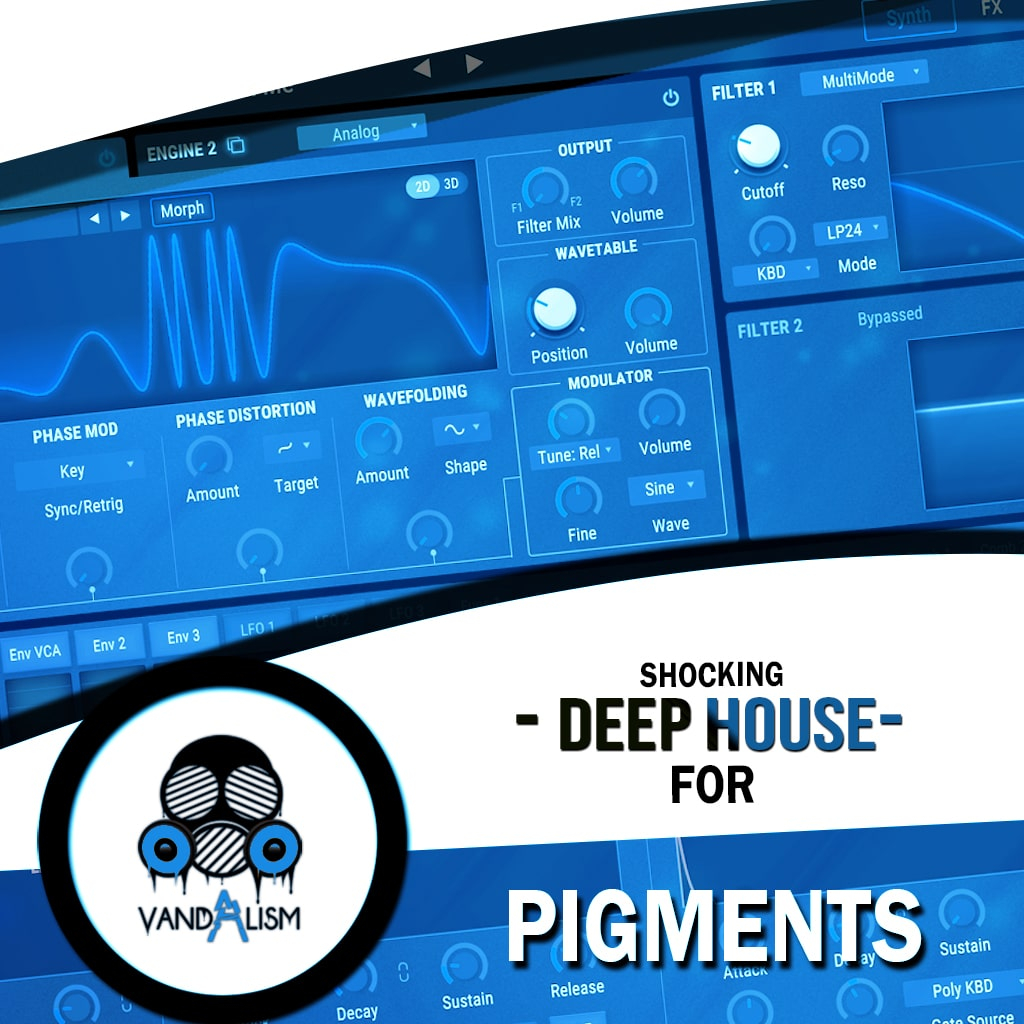
Shocking Melodic House For Pigments
'Shocking Melodic House For Pigments' contains meticulously crafted presets that fit into the mix with no further processing needed. These sounds are designed for instant results. These melancholic and hypnotic Pigments presets bring you collection of emotionally-charged House sounds that moves body and soul. It was crafted for all of pure, analogue sound lovers! This pack includes 60 mix-ready Arturia Pigments presets and 30+ MIDI loops crafted for instant production workflow. It delivers warm, analogue-style leads, lush pads, and deep basses perfect for Melodic House and Deep House.
Product details
Product Details: • 59 Pigments Sounds • 9 Bass Sounds • 26 Lead Sounds • 2 Sequence Sounds • 10 Pad Sounds • 1 Piano Sound • 62 MIDI Loops • ModWheel Assigned • 4 Macro Controls Assigned • Requirements: Arturia Pigments v.3.1.0 +
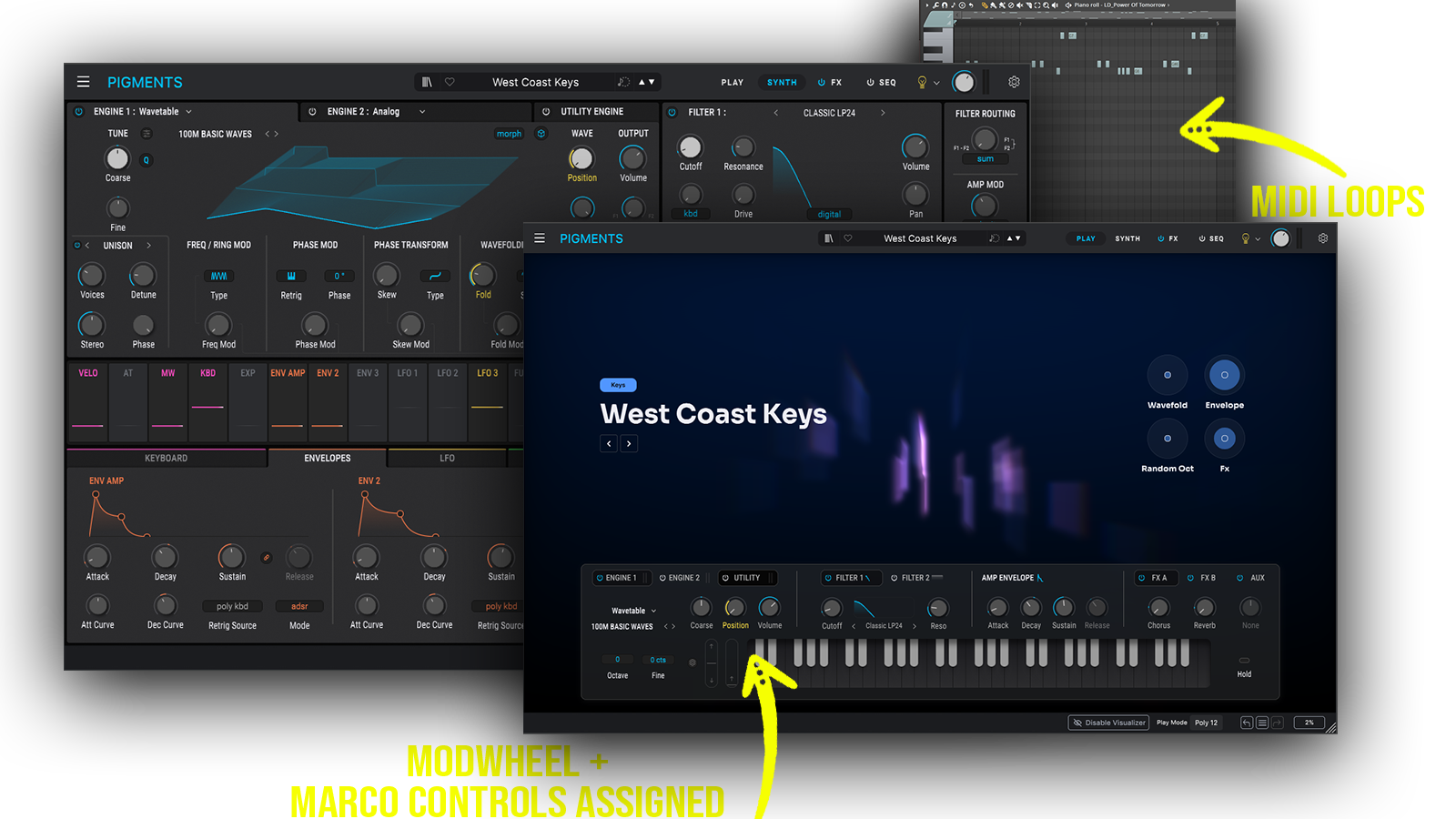 Inspired by modern Melodic House and Progressive Electronic music, this soundbank combines emotional melodies, warm analog textures and immersive synth design for deep and atmospheric productions.
Includes: • melodic house pigments presets • progressive house pigments presets • emotional house presets • warm analog pigments sounds • cinematic house synths • atmospheric house pads • deep melodic leads • progressive house leads
Frequently asked questions
Which version of Pigments do I need to run these presets?
How do I install Pigments presets?
What’s included in the download?
How do I download my presets after purchase?
Sounds in this pack
Who uses our sounds