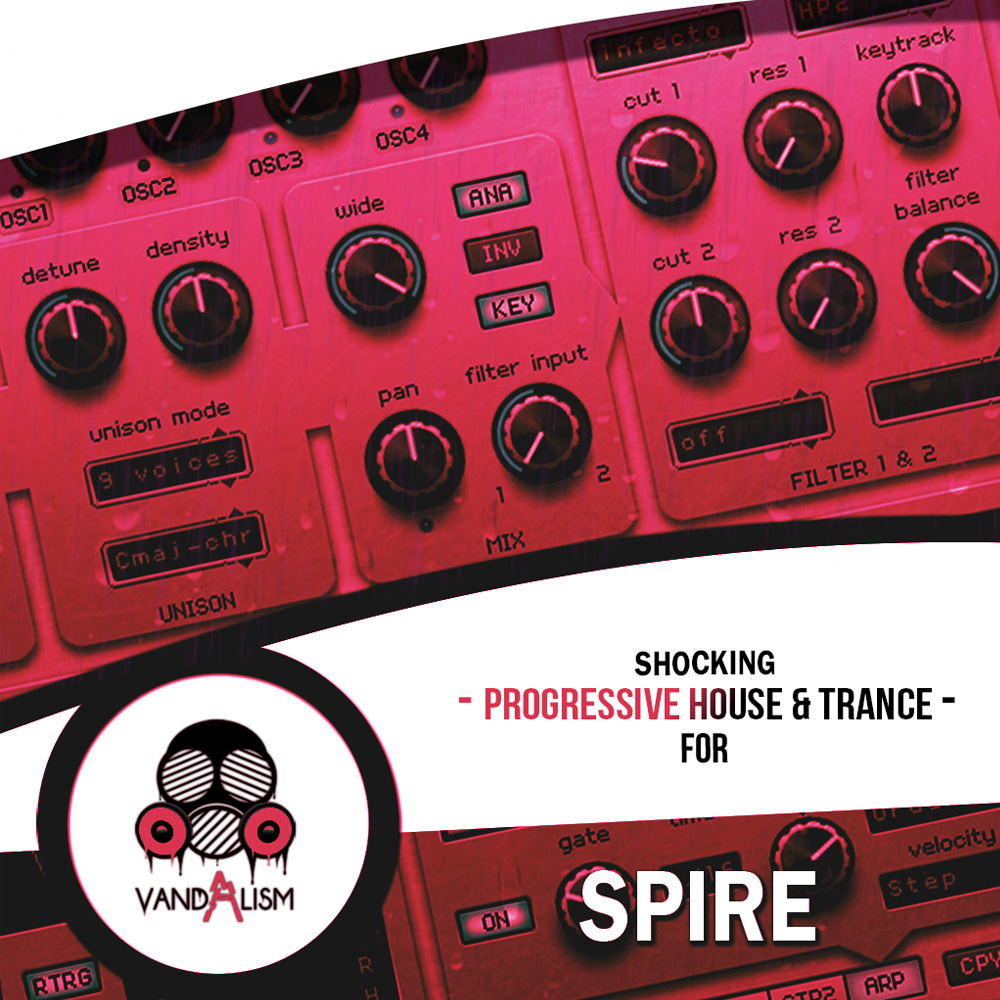
Shocking Hard Dance For Spire
Shocking Hard Dance For Spire delivers a powerful collection of premium Spire presets designed for producers creating Hard Dance, Dance, Hands Up, Eurodance and Festival EDM. Featuring mix-ready sounds that instantly cut through the mix, this soundset combines powerful supersaw leads, detuned festival synths, punchy basses, energetic plucks, evolving pads, euphoric eurodance keys and uplifting melodies. Every preset has been carefully crafted to deliver maximum impact, clarity and energy, making it ideal for both radio-ready hits and peak-time festival anthems. Whether you're producing modern Hard Dance, commercial dance music or high-energy club tracks, this collection provides the professional-quality sounds needed to build powerful drops, emotional breakdowns and unforgettable hooks.
Product details
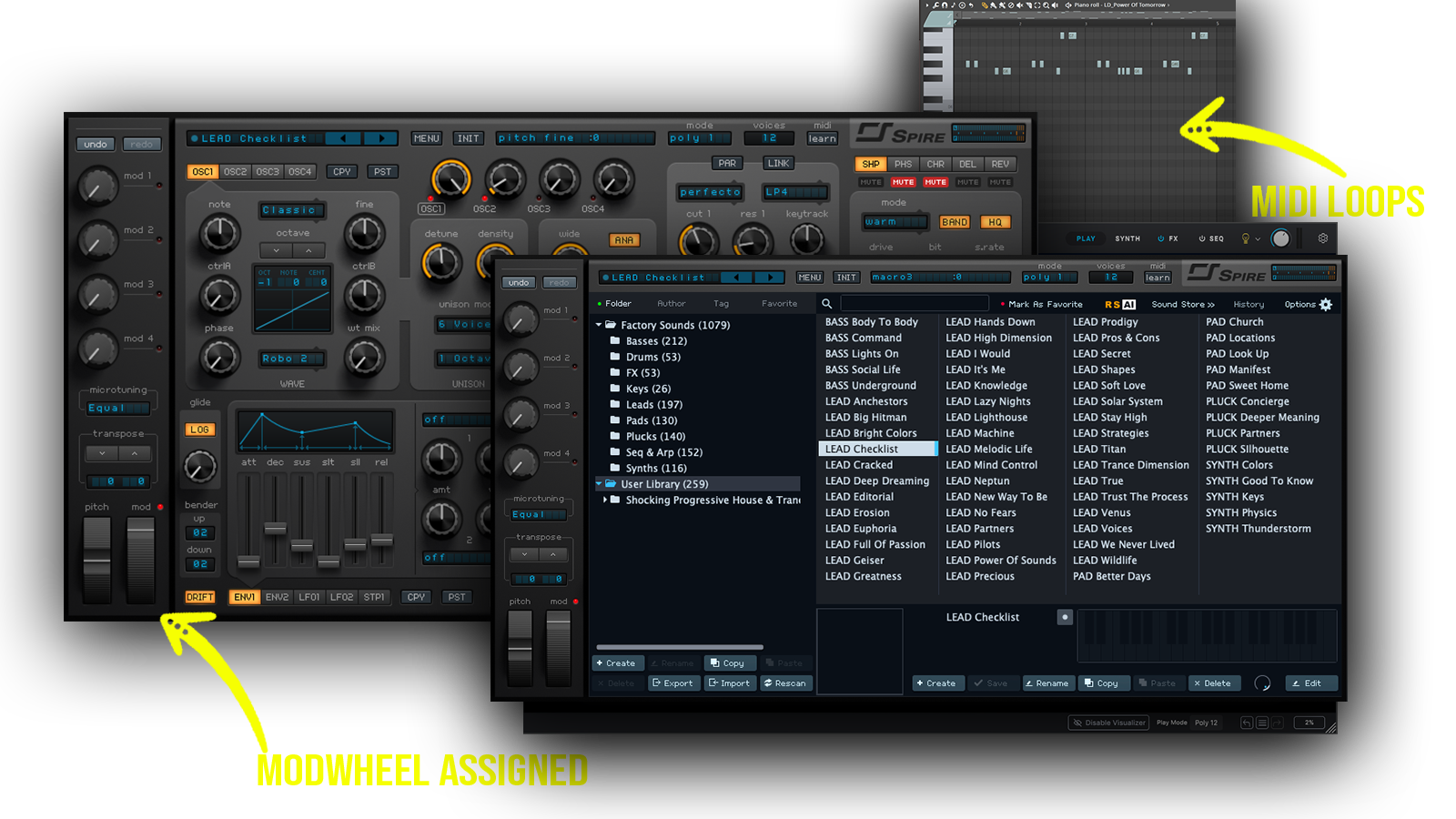
• 60 Reveal Sound Spire VSTi Sounds • 41 Lead Presets • 2 Pad Sounds • 3 Pluck Presets • 2 Key Sounds • 4 Synth Presets • 6 Bass Sounds • 29 MIDI Loops • ModWheel Assigned • Requirements: This soundset requires Reveal Sound Spire v1.5.17 or higher.
 Inspired by W&W, Timmy Trumpet, Alok and more!
Includes: • hard dance leads • festival supersaw synths • eurodance keys • uplifting piano sounds • energetic basslines • punchy dance basses • detuned festival synths • emotional melodic pads • commercial dance hooks • wide stereo supersaws • mainstage synth sounds • dance anthem leads • powerful EDM synths • melodic festival plucks • radio ready dance sounds •
Frequently asked questions
Which version of Spire do I need to run these presets?
How do I install Spire presets?
What’s included in the download?
How do I download my presets after purchase?
Sounds in this pack
Who uses our sounds