SAVE 30% HALLOWEEN SALE - code: SCARY 

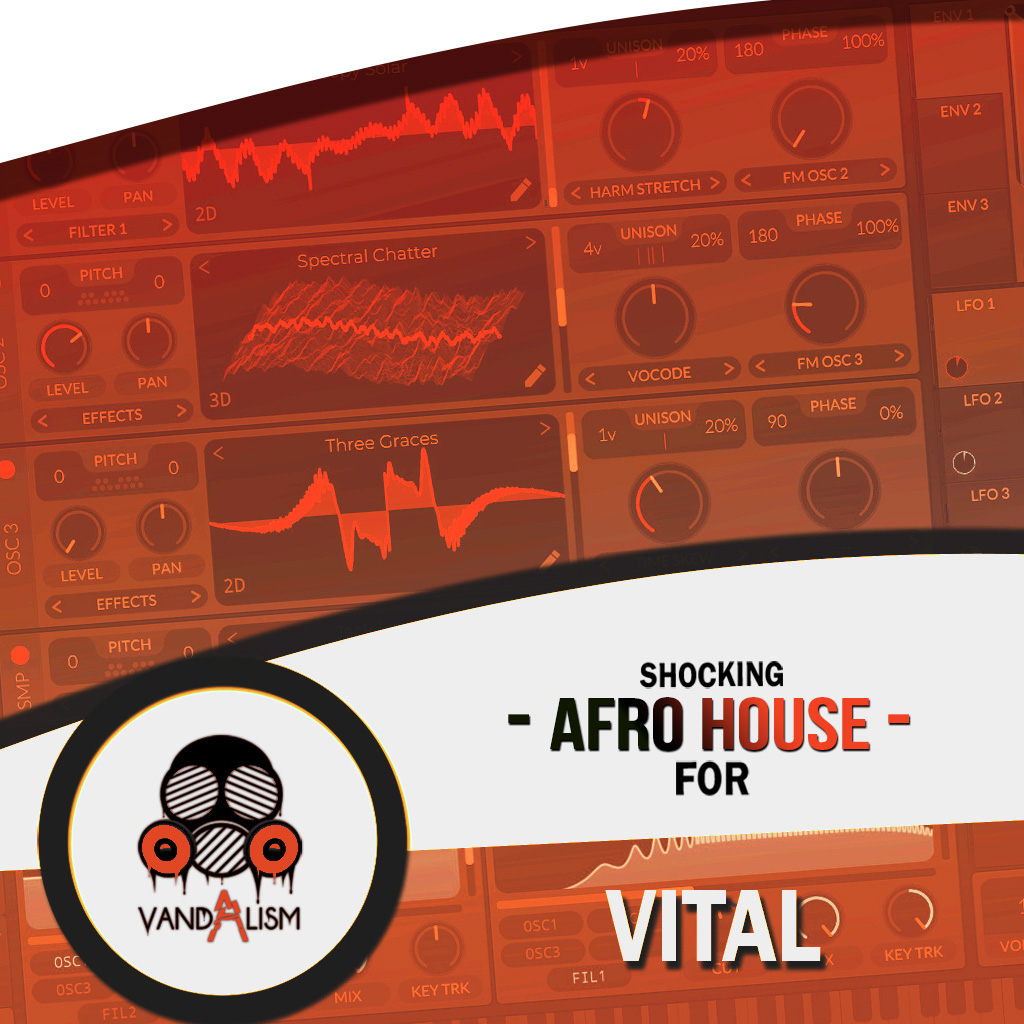
Shocking Afro House For Vital

Shocking Afro House for Vital brings you the hottest Afro House Vital presets of the moment. Discover the perfect sound, drawing inspiration from Adam Port, Raffa Guido, Black Coffee, Nitefreak, Zero, and Keinemusik. This soundset blends vibes from Deep House, Afro Tech House, and Melodic Techno, resulting in the most versatile preset pack for emotional music lovers. It sets a new standard in exploring the Afro House genre, giving you the tools to push your boundaries and providing you with the freshest ideas for your next tracks!

Product details

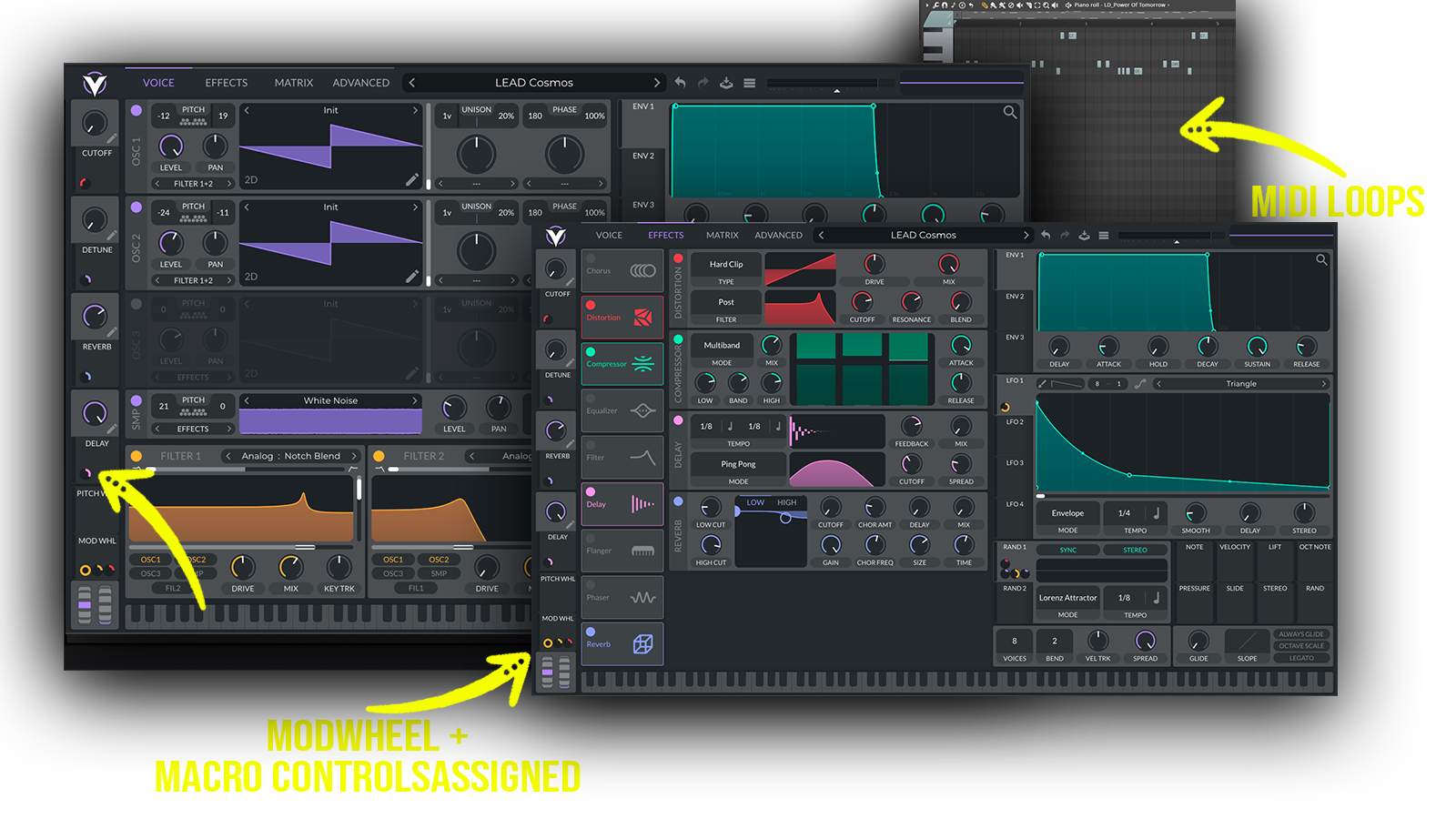
• 61 Vital Presets • 34 Lead Sounds • 8 Pluck Sounds • 7 Keys Sounds • 2 Pad Sounds • 10 Bass Sounds • 27 MIDI Loops • 4 Macro Controls Assigned • ModWheel Assigned • 100% Royalty-Free Requirements: This soundset requires Vital 1.5.5 or higher. Vital Presets Perfect for Afro House, Melodic Afro House, Afro Tech House, Deep House, Melodic Techno
Includes: • melodic Afro House presets • Afro House leads • Afro House bass presets • Afro House plucks • Afro House keys • Organic House presets • Deep House presets • Afro Tech House presets

Frequently asked questions

Which version of Vital do I need to run these presets?
We recommend using the latest available version of Vital to ensure the best compatibility with our presets. The specific required version is listed above in the Product Details section or below each preset in the Sound List section.
How do I install Vital presets?
To install Vital presets, open the Vital plugin in your DAW and click the menu icon (☰) next to the preset name. To install a complete preset bank (.vitalbank), select Import Bank and choose the downloaded file. Once imported, the bank will appear as a new folder in Vital's preset browser. To load an individual preset (.vital), select Open External Preset from the menu and choose the file. Alternatively, you can copy individual presets into the appropriate folder in Vital's data directory for easier access in the future. To locate this folder, open Vital's preset browser, right-click the Factory folder, and select Open File Location. After installation, your presets will be available directly in Vital's preset browser whenever you open the plugin.
What’s included in the download?
Each download includes professionally crafted, human-made sounds designed with the highest possible attention to quality and detail. Our Vital presets feature pre-programmed macros and ModWheel assignments, allowing you to customize and shape the sound to fit your production needs. All included presets and MIDI files (if specified in the Product Details) can be previewed in the Sound List below.

How do I download my presets after purchase?
Your download link appears right after checkout and is also emailed to you. Can't find it? Check spam, then email [email protected] with your order number.
You may also like

Sounds in this pack
Who uses our sounds