Shocking Synthpop For Diva
Shocking Synthpop For Diva is a preset pack inspired by the hazy atmosphere of late-night drives, empty shopping malls, and distant memories of 80s & 90s records. Blending clean analog textures with subtle lo-fi degradation, the soundset delivers nostalgic synthwave tones with a warped, dreamlike character. . Built for seamless integration into your productions, with clearly organized presets and nuanced expression control. This Diva soundset brings you classic Synthwave, Vaporwave & Retro tones inspired by contemporary hit productions, with a refined, polished sound that naturally elevates the character of classic vintage analog synths.
Product details
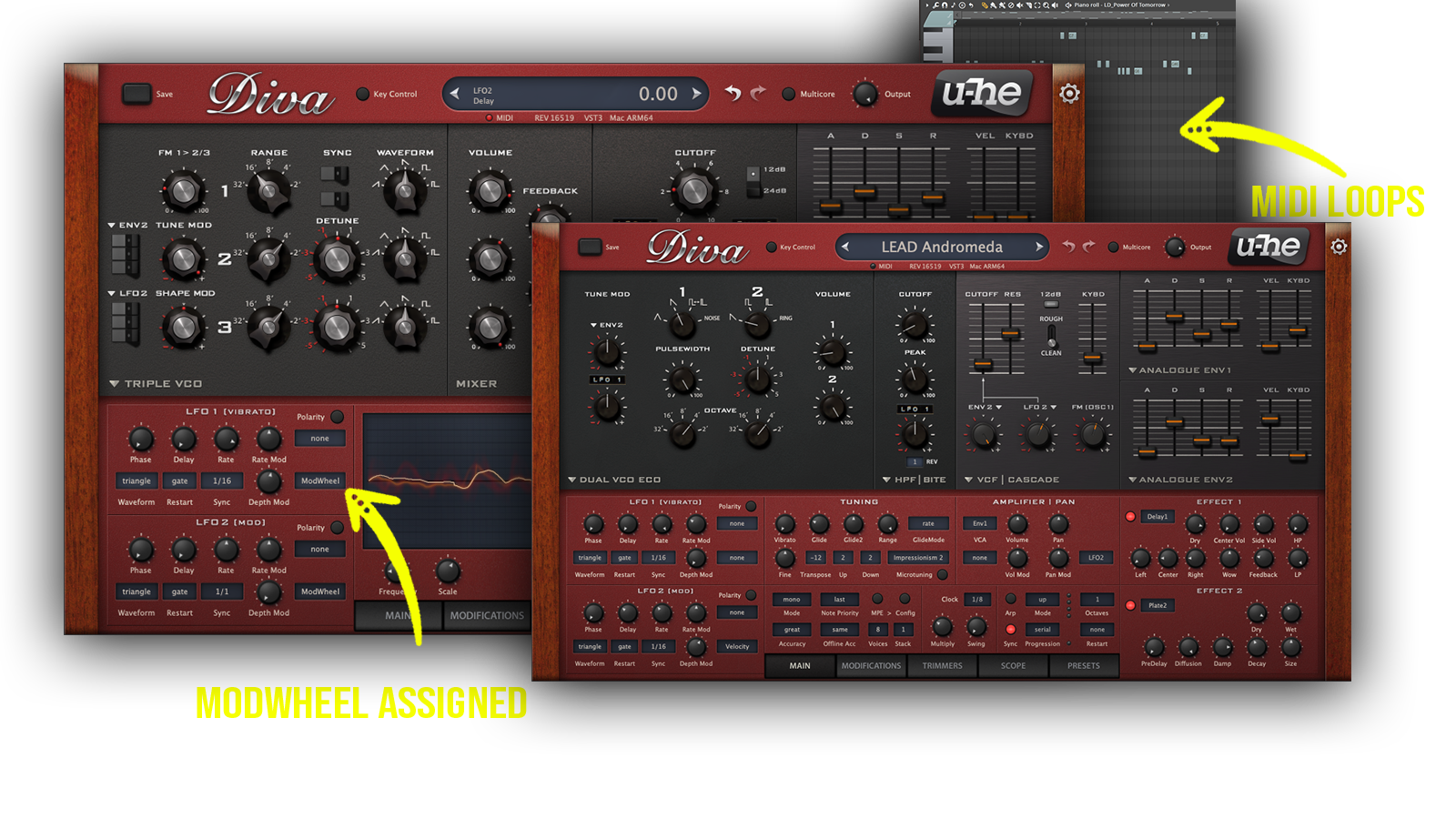
Product Details: • 64 U-He Diva Sounds • 37 Lead Sounds • 5 Plucks • 12 Synth Sounds • 4 Pad Sounds • 5 Bass Sounds • 1 FX Sound • 36 MIDI Loops • ModWheel Assigned Requirements: u-He Diva 1.4.5
 Inspired by 90s Music, Synthwave, Vaporwave, Pop, Retrowave, Analog Sounds
Includes: • Diva Synthpop presets • Synthwave presets • Retro Synth presets • 80s Synth presets • 90s Synth presets • Vaporwave Diva presets • • Vintage Synth presets • Lo-Fi Synth presets • Dreamy Synth presets • Cinematic synth presets •• Vaporwave synth sounds • Analog Basses • Classic Synths • Bright Plucks • Evolving Pads • Phasing Pads
Frequently asked questions
Which version of Diva do I need to run these presets?
How do I install u-he Diva presets?
What’s included in the download?
How do I download my presets after purchase?
Sounds in this pack
Who uses our sounds