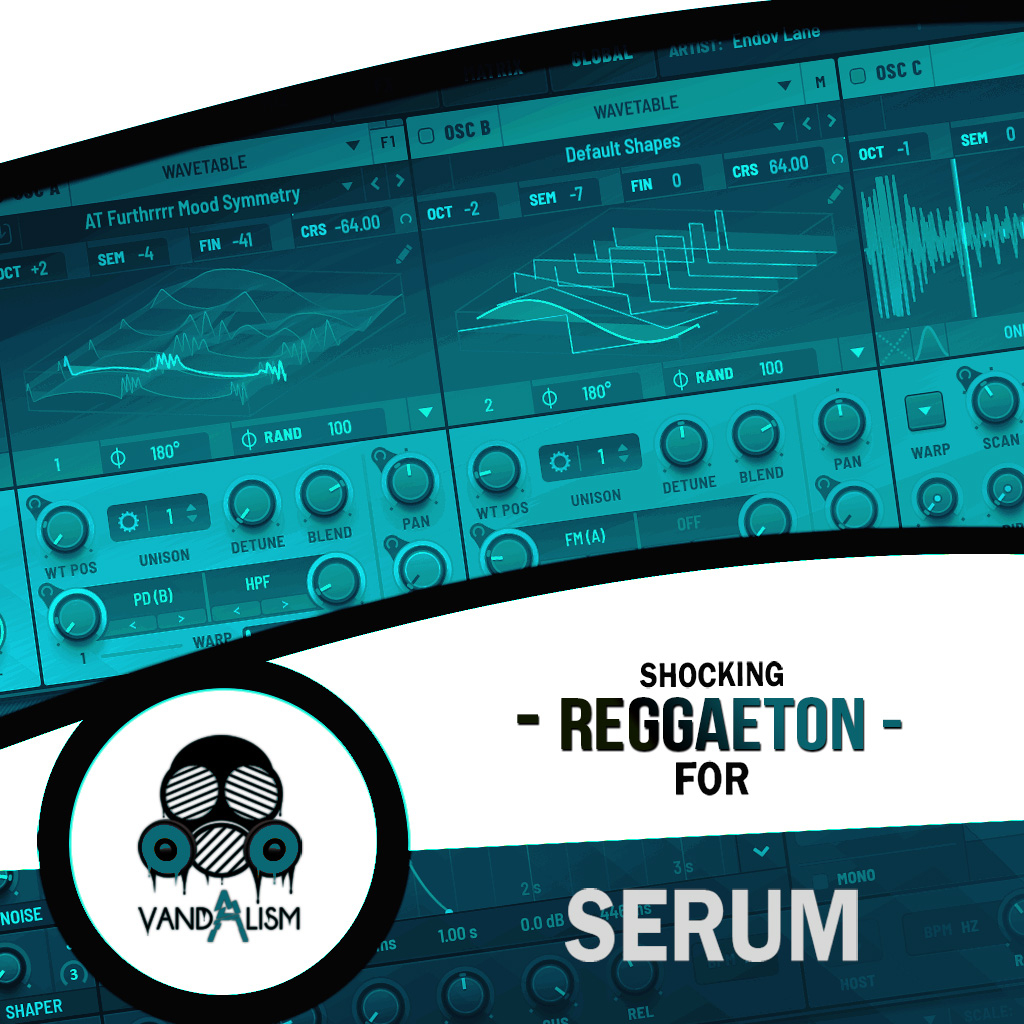
Shocking Reggaeton For Serum
Shocking Reggaeton For Serum delivers 64 high-quality Reggaeton Serum presets designed to capture the authentic Latin vibe. Inspired by chart-topping artists like Bad Bunny, J Balvin, Maluma, and DJ Snake, this pack gives you the essential sounds to produce professional Reggaeton, Moombahton, and Dancehall tracks. Each preset is carefully crafted to blend the warmth of real instruments with the modern power of Serum, providing you with a versatile sound palette for creating radio-ready hits. Along with the presets, you’ll also get 48 Reggaeton MIDI loops, perfect for sparking inspiration and speeding up your workflow. Whether you’re aiming for club bangers or radio anthems, Shocking Reggaeton For Serum is your go-to pack for producing authentic Latin-inspired music.
Product details
• 64 Xfer Records Serum Presets • 37 Lead Sounds • 7 Bass Sounds • 13 Synth Sounds • 3 Pluck Sound • 5 Pluck Sounds • 2 Pad Sounds • 48 MIDI Loops • 4 Macro Controls Assigned • ModWheel Assigned • 100% Royalty-Free This soundset requires Xfer Records Serum 2.0.16 or higher.
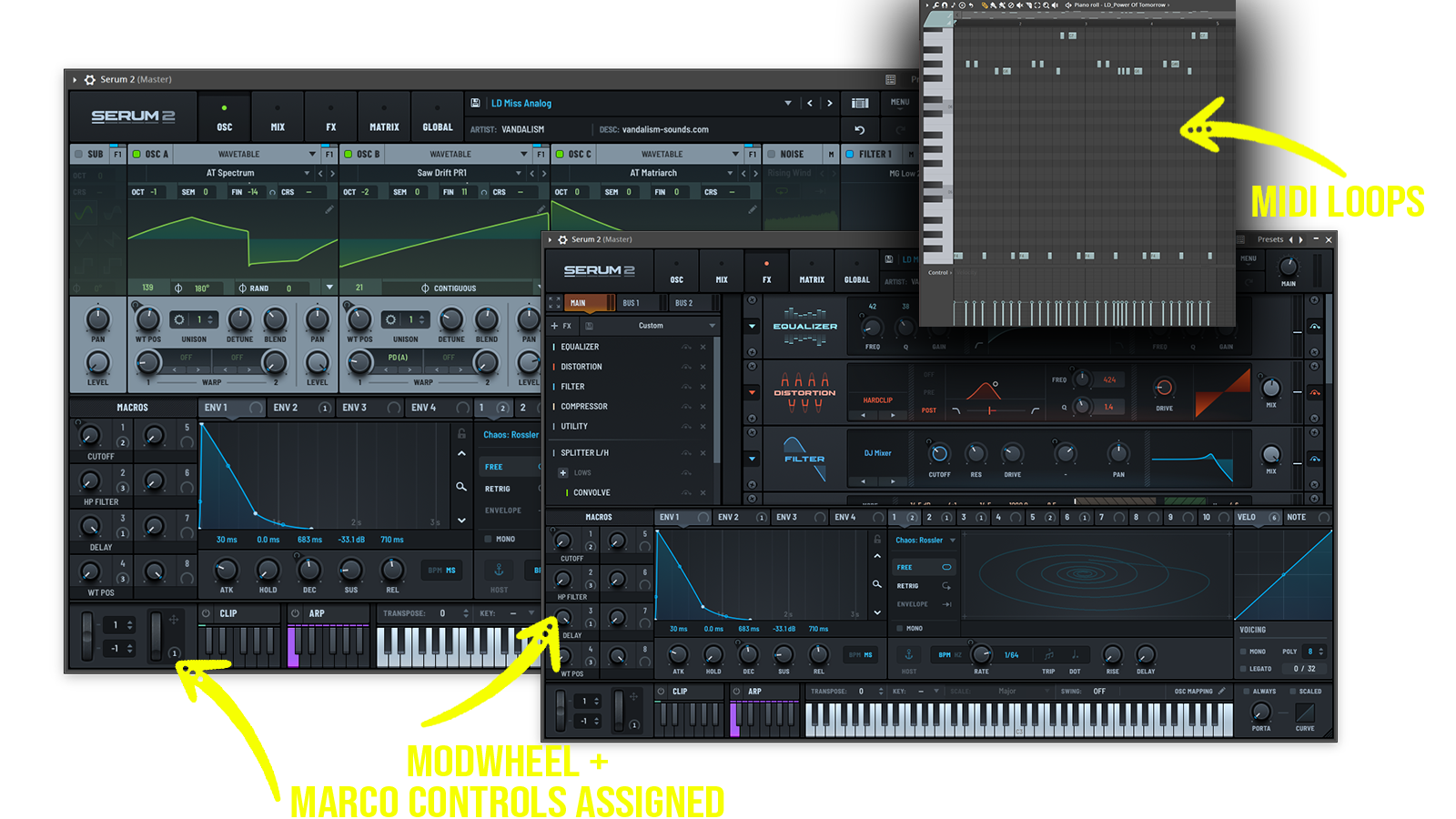 Perfect for Reggaeton, Latin Pop, Latin Urban, Moombahton, Dancehall, Tropical House, Afro Latin, Pop Latino
Includes: • tropical melodic leads • Latin inspired synth leads • emotional reggaeton melodies • modern pop synth hooks • bright tropical plucks • rhythmic Latin plucks • Caribbean inspired synths • deep reggaeton basses • warm urban bass sounds • punchy Latin low-end • moombahton basses • dancehall inspired synths • tropical atmospheric pads • cinematic pop textures • vocal style synths • futuristic Latin sounds
Frequently asked questions
Which version of Serum do I need to run these presets?
How do I install Serum presets?
What’s included in the download?
How do I download my presets after purchase?
Sounds in this pack
Who uses our sounds