Shocking Lo-Fi Sounds For Serum
'Shocking Lo-Fi Sounds For Serum ' brings you an essential collection of aesthetic sounds that are guaranteed to add a pleasant infusion of low fidelity haze into your music. Rest assured your next beat will be a breezy, head-nod-inducing drift through a relaxing sonic palette and sentimental edge. We built these patches around the custom wavetables and samples that fit modern music perfectly. If you are looking for vintage keys, sounds with tape emulations, phasing pads and deep basses, then this selection of sounds is truly for you. Once again it is a highly useable collection of expertly shaped synth presets ready for use out of the box!
Product details
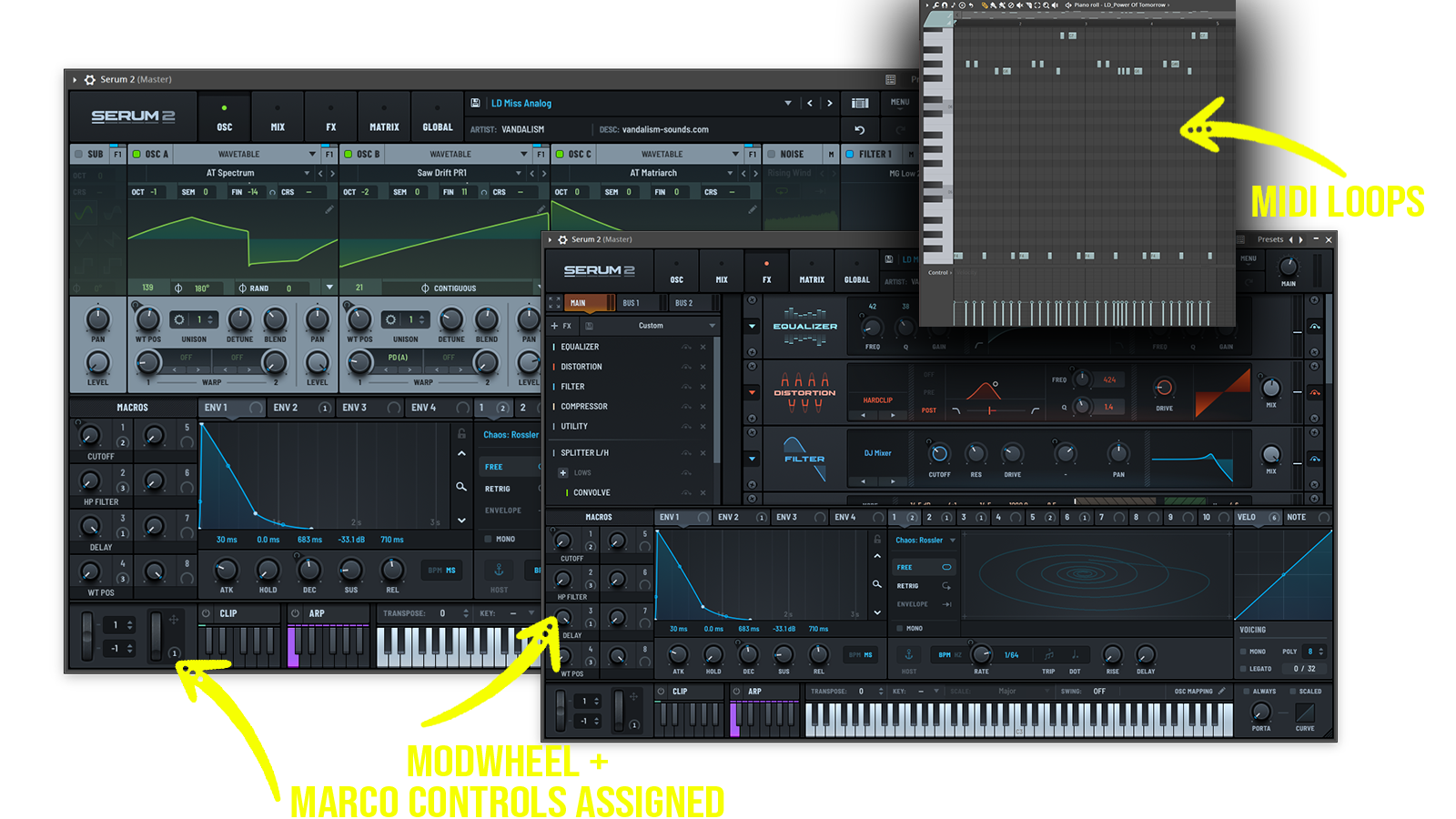
• 64 Serum Presets • 14 Lead Sounds • 19 Synth Sounds • 14 Bass Sounds • 3 Pluck Sounds • 10 Pad Sounds • 2 Piano Sounds • 1 Guitar Sound • 53 MIDI Loops • 4 Macro Controls Assigned • ModWheel Assigned • 20 Wavetables • 100% Royalty-Free •
Requirements Xfer Records Serum v.1.350+
Frequently asked questions
Which version of Serum do I need to run these presets?
How do I install Serum presets?
What’s included in the download?
How do I download my presets after purchase?
Sounds in this pack
Who uses our sounds