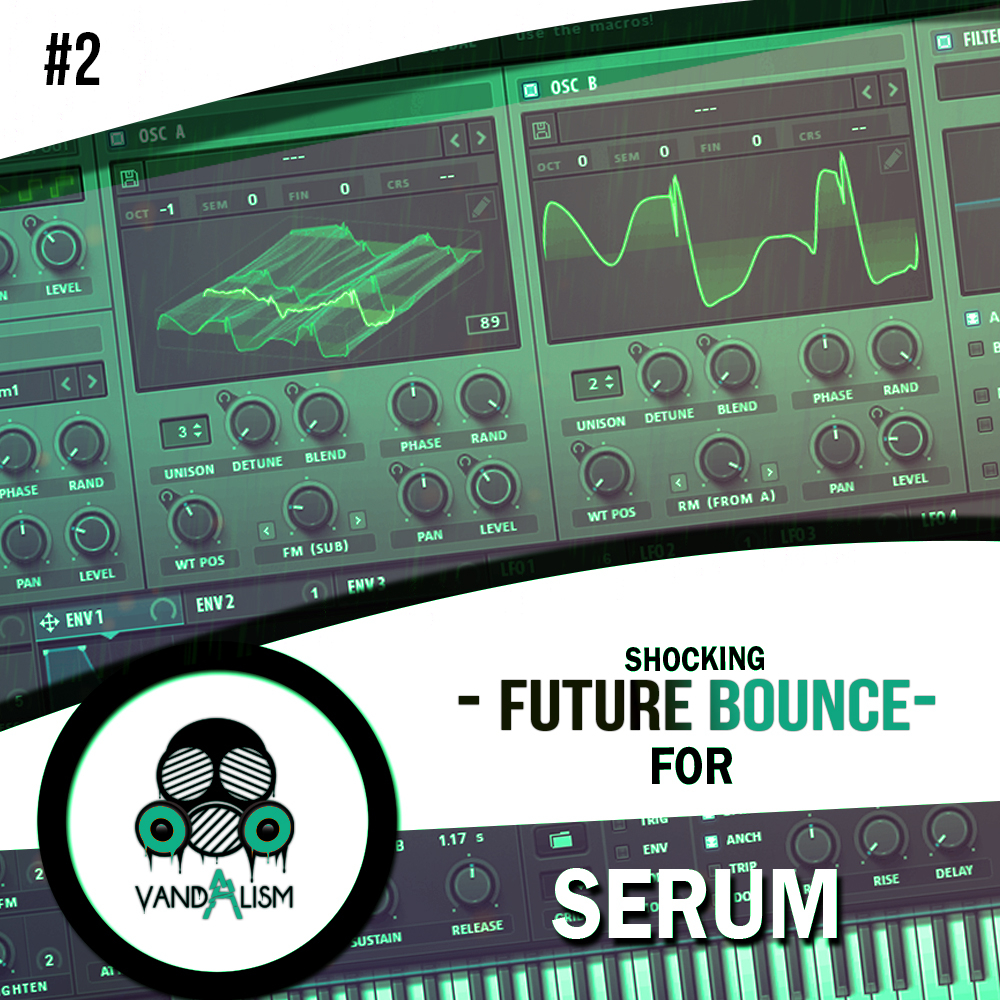
Shocking Future Bounce For Serum 2
Take your electronic music productions to the next level with Shocking Future Bounce For Serum 2, a powerful collection of 71 presets for Xfer Records Serum. Combining the melodic energy of Future House with the punchy, high-impact sound of Bounce, this soundset is designed for producers looking for powerful basslines, catchy synth leads and distinctive sounds for modern EDM.
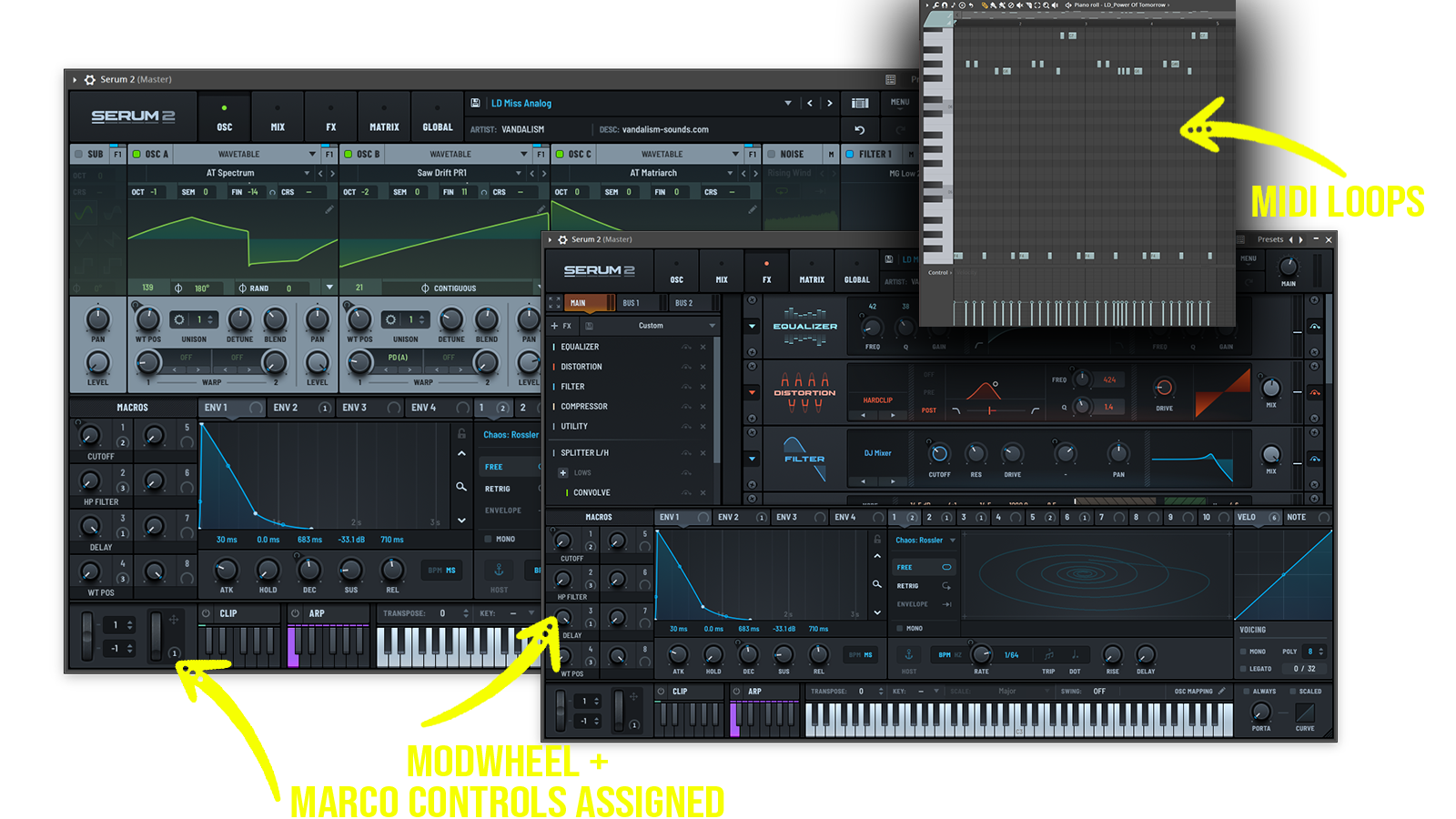
From hard-hitting lead sounds and deep basses to memorable plucks and versatile synth textures, this Future Bounce preset pack provides a creative foundation for building energetic drops, uplifting melodies and festival-ready productions. With 15 custom wavetables and 67 MIDI loops included, you get additional resources to explore new ideas, develop your arrangements and customise your sound.!
Product details
• 71 Serum Presets • 15 Custom Wavetables • 67 MIDI Loops • 30 Lead Sounds • 12 Synth Sounds • 21 Bass Sounds • 8 Pluck Sounds
Requirements: Serum v.1.213 +
Frequently asked questions
Which version of Serum do I need to run these presets?
How do I install Serum presets?
What’s included in the download?
How do I download my presets after purchase?
Sounds in this pack
Who uses our sounds