Shocking Analog Sounds For Serum
Shocking Analog Sounds for Xfer Serum delivers the presets everyone is talking about.If you’re tired of thin, plastic-sounding patches, you’ll love the warm, deep, and authentic analog tones included in this collection.
Each preset captures the true character of big, analog-style sounds that work seamlessly across any genre from EDM and techno to cinematic and melodic music. By combining analog-inspired wavetables with advanced Serum features, this pack offers extra-crispy, modern, and fully redesigned analog sounds with exceptional depth and presence. Stand out from the crowd and use the analog Serum sounds producers worldwide are searching for.
Product details
Product Details: • 66 Serum 2 Presets • 53 Lead Serum Presets • 4 FX Serum Presets • 5 Pluck Serum Presets • 4 Stab Serum Presets •30 MIDI Loops • 100% Royalty-Free Requirements: This soundset requires Xfer Records Serum 2.0.16 or higher.
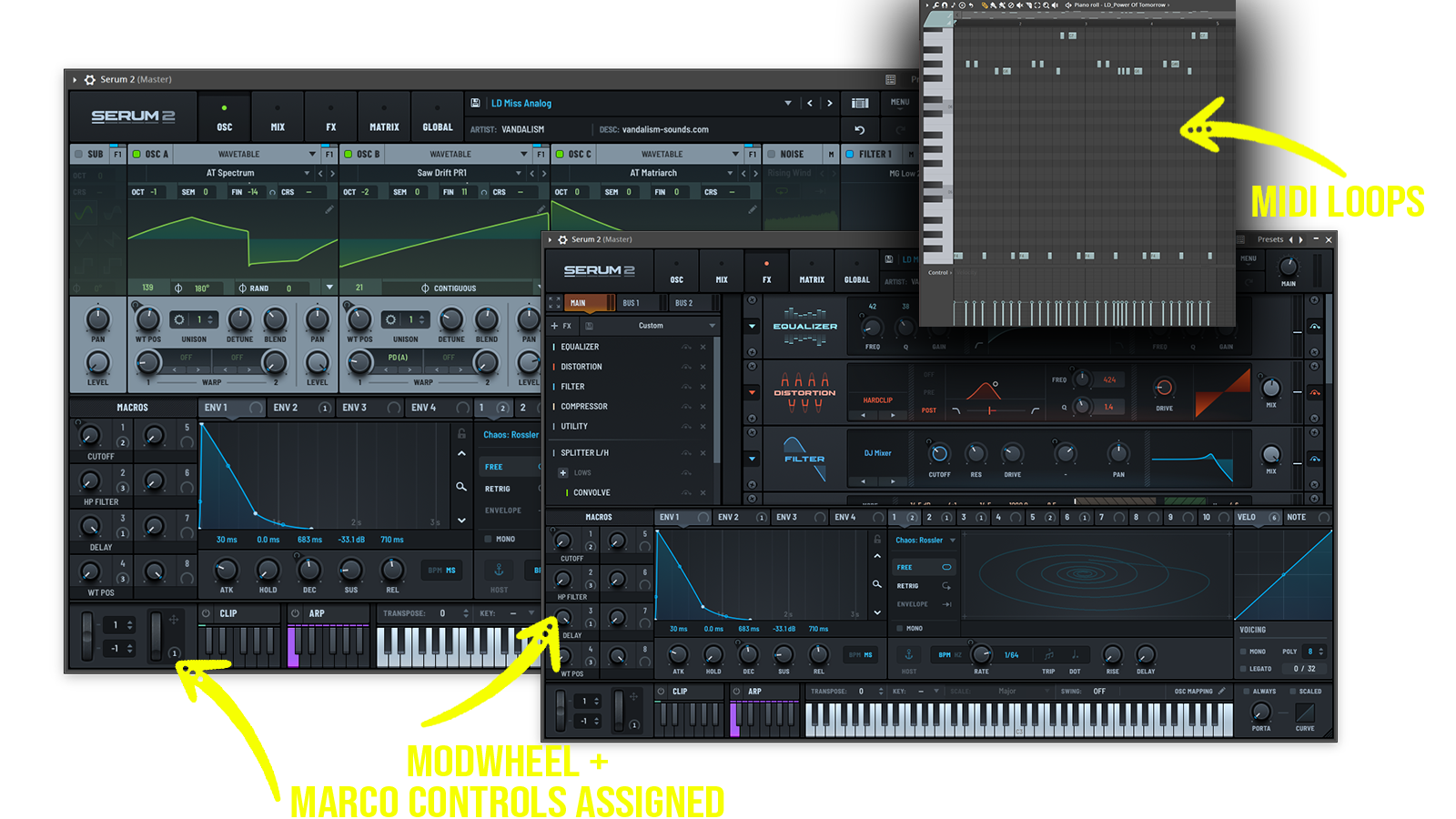
Bring true analog-inspired warmth and richness to your tracks with this Serum 2 soundset built for modern, high-impact productions.
Inspired by legendary analog synthesizers and the sound of classic hardware instruments from the 70s, 80s and 90s.
Includes: • warm analog leads • vintage synth leads • retro electronic melodies • classic hardware inspired sounds • evolving analog textures • cinematic synth leads • deep analog basses • warm Moog style bass sounds • organic analog low-end • lush analog pads • atmospheric vintage pads • dreamy synth textures • retro plucks • classic synth keys • analog sequences • cinematic electronic atmospheres • ambient soundscapes • nostalgic synth layers • futuristic vintage sounds
Frequently asked questions
Which version of Serum do I need to run these presets?
How do I install Serum presets?
What’s included in the download?
How do I download my presets after purchase?
Sounds in this pack
Who uses our sounds