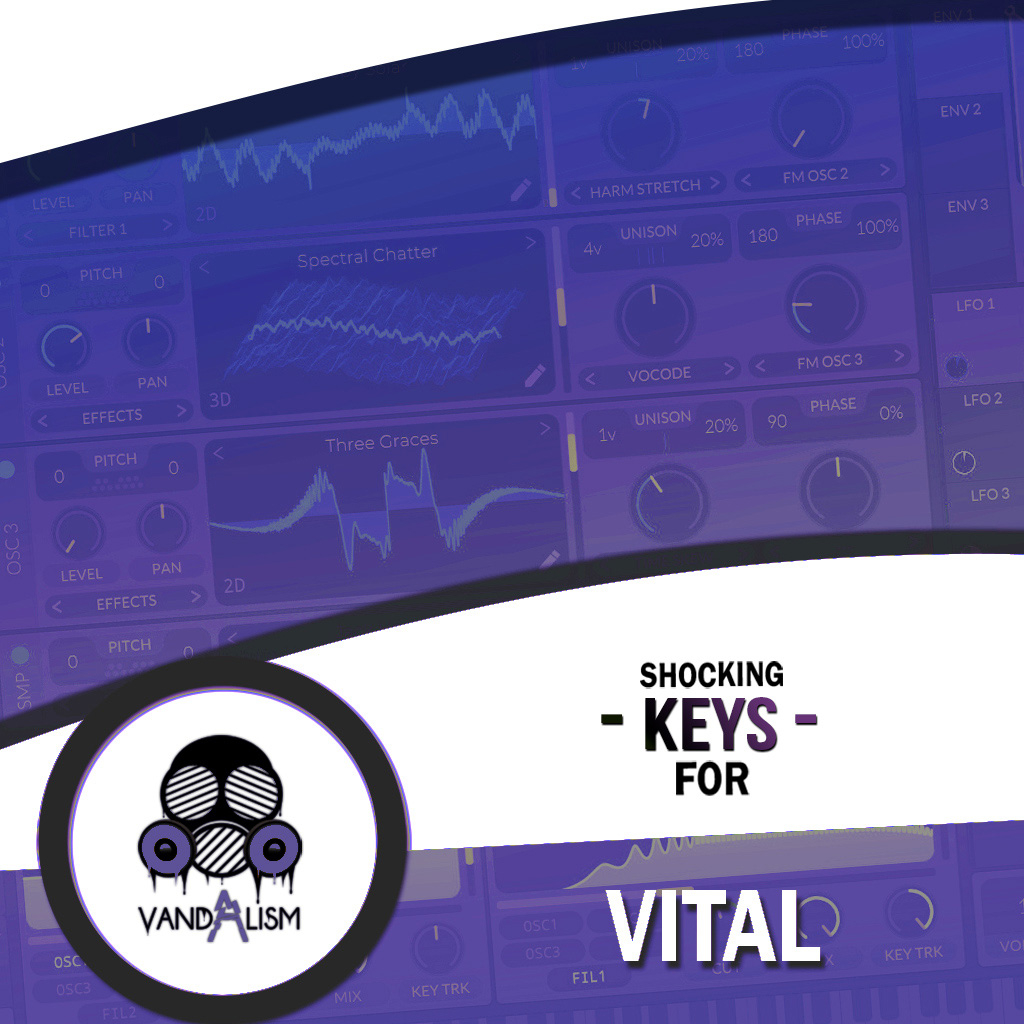
Shocking Keys For Vital
Shocking Keys For Vital is a versatile hybrid keys and instruments soundbank featuring 50 professionally crafted Vital presets for modern and vintage electronic music. Built from custom wavetables and samples, the collection includes expressive pianos, bells, violins, kalimbas, plucked guitars and synth keys with velocity-sensitive response. Whether you need organic melodic instruments, warm keyboard sounds, creative sampled textures or modern synth keys, these Vital presets provide a flexible foundation for House, Pop, Dance, Trance, Chillout, Ambient and electronic music productions.
Product details
• 50 Vital Presets • 46 Keys Sounds • 3 Lead Sounds • 1 Pad Sound • 27 MIDI Loops • 4 Macro Controls Assigned • ModWheel Assigned • 100% Royalty-Free Requirements: This soundset requires Vital 1.5.5 or higher.
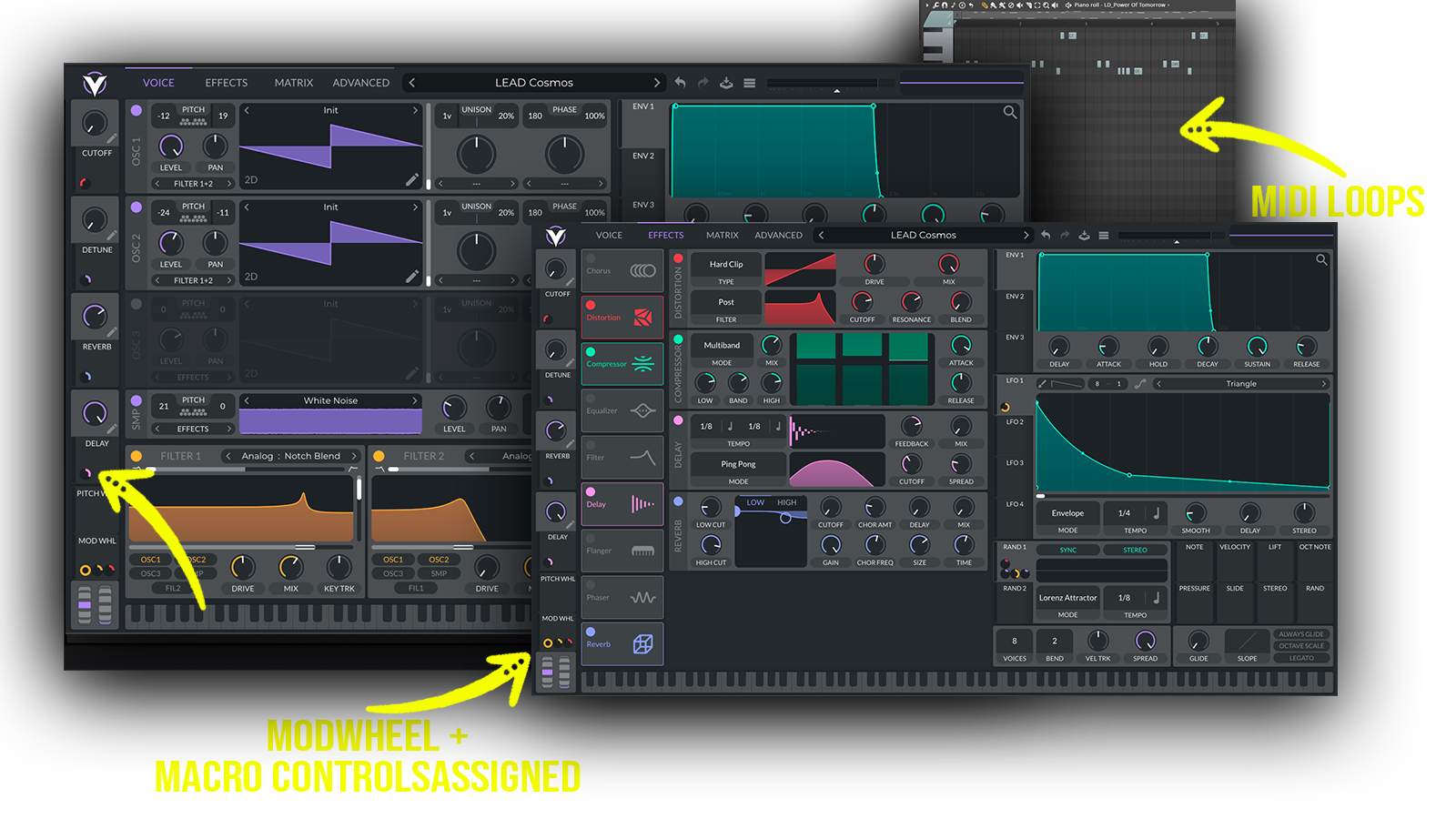 Professional hybrid Keys and Instruments soundbank for Vital featuring expressive pianos, bells, violins, kalimbas, plucked guitars and modern synth keys. Built from custom wavetables and samples, these velocity-sensitive presets combine vintage character with modern production-ready sound, making them ideal for melodic, electronic, House, Pop, Dance, Chillout and Ambient productions..
Includes: • Keys Vital presets • keyboard presets for Vital • piano presets for Vital • bell presets for Vital • kalimba presets for Vital • violin presets for Vital • guitar presets for Vital • plucked guitar sounds for Vital • synth keys for Vital • hybrid Vital presets • hybrid instrument presets • sample-based Vital presets • vintage keys • modern keys • expressive Vital presets • velocity-sensitive presets • electronic piano sounds • organic instrument sounds • melodic keyboard presets • cinematic keys
Frequently asked questions
Which version of Vital do I need to run these presets?
How do I install Vital presets?
What’s included in the download?
How do I download my presets after purchase?
Sounds in this pack
Who uses our sounds