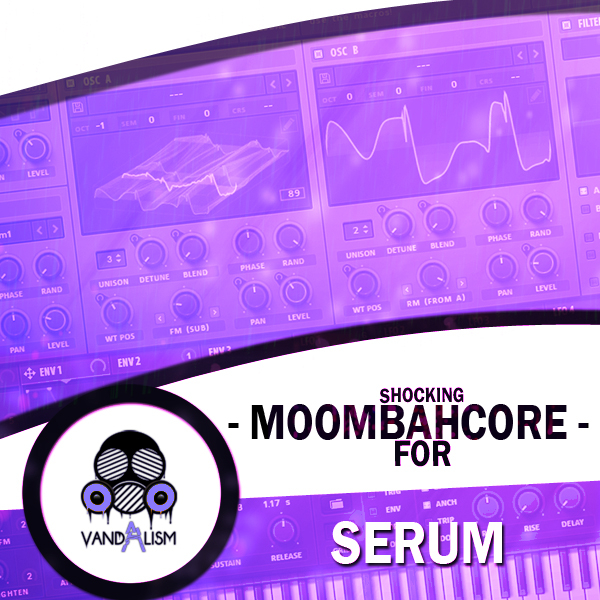
Shocking Moombahcore For Serum
'Shocking Moombahcore For Serum' is a revolutionized soundset created mostly with original wavetables. These presets stand out amongst others because of the unique sound design and precise techniques. This soundbank takes this genre to a new level by giving you dirty growls, angry basses and sounds that are emulating real voices!
Product details
These sounds were inspired by artists such as Dillon Francis & NGHTMRE who are pushing the boundaries between Moombahton, Dubstep and Electro House. Whether you're coming from other music scenes, this soundset invites you to create astounding and up-to-date tracks. Get your copy and freshen up your productions today! Product Details: • 64 Xfer Records Serum Presets • 20 Custom Wavetables • 64 Bass Sounds • 4 Macro Controls Assigned • ModWheel Assigned • 100% Royalty-Free Requirements: Xfer Records Serum v1.101+6
Frequently asked questions
Which version of Serum do I need to run these presets?
How do I install Serum presets?
What’s included in the download?
How do I download my presets after purchase?
Sounds in this pack
Who uses our sounds

































Related Products
Shocking Electro For Serum
Genre: Electro House
Shocking Electro For Massive
Genre: Electro House